Edit photos with , effects, focus, frames, stickers, and text. Crop, adjust orientation, enhance images with Hi-Def, Scenery, Food, Portrait, or Night modes. Apply stylized , add stickers and overlays, and remove red eye or blemishes.
Create slideshow videos by selecting templates, adding photos or videos, and applying transitions, animations, and effects. Customize with stickers, fonts, and music. Share directly to social media platforms or save to camera roll.
Edit photos with rotation, straightening, resizing, cropping, and border tools. Adjust color, temperature, tint, and apply film effects, light leaks, and lens flares. Add overlays, textures, and dirt effects.
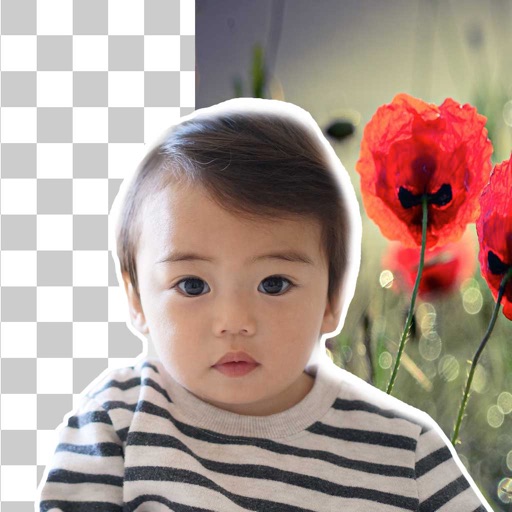
Edit photos by removing backgrounds using neural network technology. Choose from various options or leave as white. Upload selfies and replace backgrounds instantly. Export edited images in standard formats.
Create videos by merging Live Photos, stills, and videos. Add titles, music, and customize pre-made "On This Day" projects. Automatically import Live Photos and panoramas. Share in five aspect ratios. View suggested projects based on recent photos.
Edit photos with stretching, squeezing, pinching, and prodding tools to create surreal effects. Apply advanced image manipulation techniques similar to professional software. Export edited images in various formats and share directly.
Edit photos and videos with AI-powered tools for tasks like object removal, background blur, and text addition. Adjust colors, crop, and apply filters. Share edited content directly or export in various formats.
Remove photo backgrounds using intelligent erasing tools. Select and eliminate specific colors or objects. Make backgrounds transparent for use in collages or stamps. Export edited images for further editing or sharing.
The app offers a private vault for photo storage, secured with Face ID, Touch ID, or a passcode. It includes editing tools like filters, adjustments, effects, cropping, and text overlays.
Edit photos by describing desired changes. AI instantly transforms images. Remove objects, enhance portraits, or restore old photos. Generate new images, stickers, and emojis from text. No complex tools or editing skills required.
Remove backgrounds from photos using brush tools with adjustable size and hardness. Erase selected areas with undo and redo options. Add text with customizable font and formatting. Place edited photos on various templates.
Edit photos with , rotate, flip, and scale tools. Adjust brightness, contrast, and saturation. Add text, stickers, and mixers. Share directly to Instagram and other social media platforms. Export in square format for consistent posting.