Apps Like Blur Background Photo Editor for iPhone and iPad
Photos with AI-powered effects
Using AI to create depth in photos. Upload images from the camera roll. Select or mode. Apply customizable effects including default, radius, motion, zoom, box, surface, and bokeh. Adjust settings for precise results. Export edited photos directly.
by Appic Stars LLC★ 4.5577 ratingsPhoto & VideoFreeData updated 2026-09-06
Use augmented reality to trace photos or line drawings. Adjust brush settings for precision. Annotate and refine sketches digitally. Export final artwork in various formats. Share drawings via social media or email.
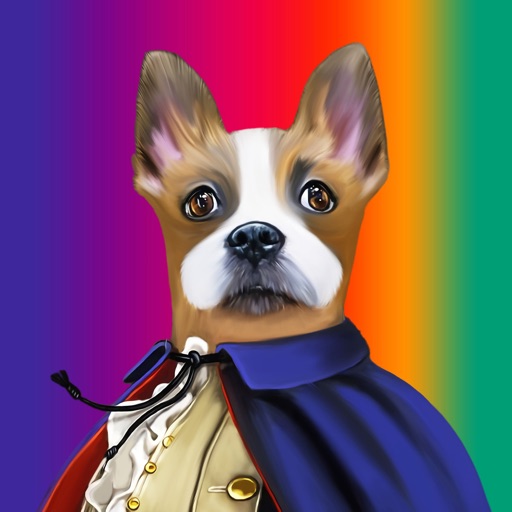
Create pet portraits by selecting a costume and uploading a photo. Preview artwork before delivery. Share with the community or use as an avatar. Subscriptions auto-renew unless disabled at least 24 hours before renewal.
Create custom pet portraits using AI-generated styles like king, astronaut, or angel. Choose from high-quality backgrounds and props. Add stickers to highlight your pet's personality. Share finished portraits directly.
Create videos from photos with music and special effects. Add transitions, text, and backgrounds. Export videos in various formats and share directly. Apply cool effects to enhance visual storytelling.
Create videos from photos with slide transitions like left, down, or fade. Adjust photo display time and add background music. Export and share the final video.
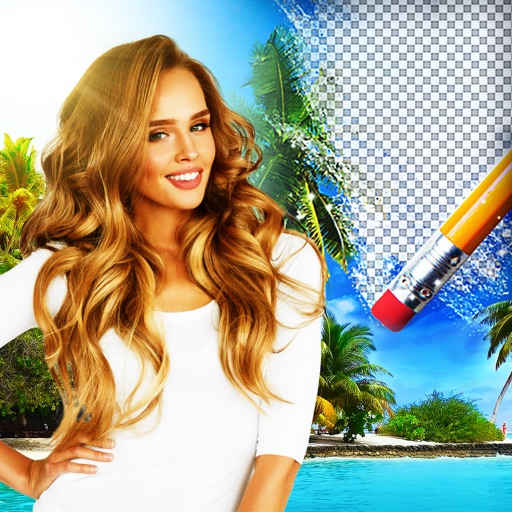
Edit photos by removing backgrounds using AI-powered . Select images from gallery or camera. Replace backgrounds with options from various categories. Blend foreground with chosen for natural results.
Record video with real-time VHS tape effect and 20 vintage filters. Toggle camera light, zoom, and switch to selfie mode. Add date stamps, import videos from camera roll, trim, and preview clips.
Edit photos with blurring using machine learning. Apply filters and stickers from pre-designed templates. Customize images by adding text and effects. Share edited photos directly.
Create collages by selecting from hundreds of templates and custom layouts. Add photos, adjust ratios, and apply background patterns. Edit images with filters, crop, and add text or stickers. Share finished collages directly.
Apply filters and effects to photos and videos for a retro film look. Adjust color, contrast, and grain. Access premium filters with a subscription. Share edited content directly.
Apply Lightroom presets to enhance photos with filters, adjustments, and effects. Choose from urban, vintage, winter, travel, and portrait presets. Export edited images directly from Lightroom.
Edit photos with filters, retro effects, and dimension styles. Crop, resize, and trim images. Adjust colors and brightness. Save and share edited photos directly.
Create collages by combining multiple photos into a single . Resize the , adjust rounded corners, change resolution, and modify the color. Rotate individual images within the . Premium plan offers additional features and auto-renewing subscriptions.
Convert photos into styles with AI technology. Upload images from the gallery and apply filters. Customize effects, add backgrounds, and save or share the edited versions.
Create collages using photos with customizable layouts, frames, and borders. Use AR technology to place collages in rooms or on surfaces. Scan environments to position collages and record videos with family members.
Manage multimedia files across Google Drive, Dropbox, Box, and OneDrive. View and edit videos with full playback, playlist management, and trimming. Apply color filters, resize, and crop videos. Convert videos to audio formats like MP3 and M4A.
Create visual content with templates for social media, logos, posters, and banners. Add text, images, and graphics. Export designs in multiple formats and share directly. No skills required.