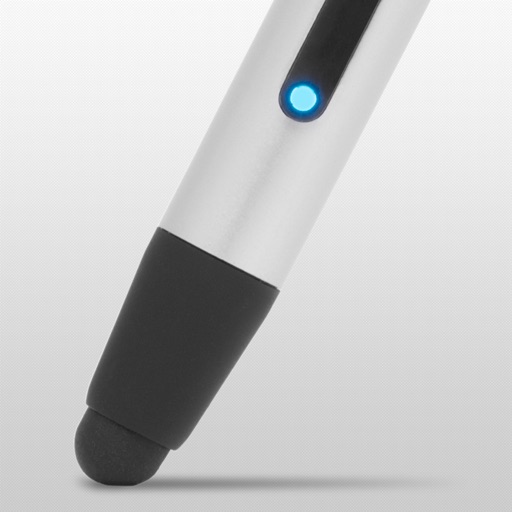
The app guides users through initial setup and connection of the Pogo Connect smart pen. It allows users to test pressure sensitivity, explore compatible applications, and configure the pen for different tips.
Image extraction automatically isolates characters from white backgrounds. Transparency tool removes unwanted backgrounds with a single tap. Auto resizing adjusts images to main, tab, and sizes.
The app allows users to view webcam images using an iPhone or iPod touch. Users can find webcams from a directory of over 3000 cameras and add them to selected.
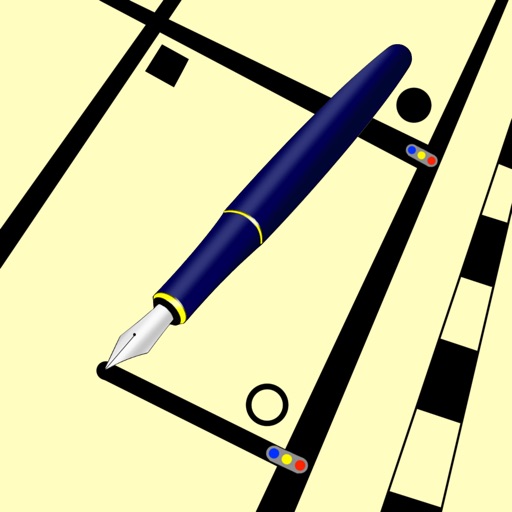
The app allows users to create simple maps with various objects like lines, squares, circles, and text. It supports image import from the camera roll and saving or sharing creations.
Create pixel art with a one-handed interface, layer system, and 1024x1024 canvas. Select ranges, use a visible grid, and edit with native performance. Save and share artwork directly.
Edit images with shape drawing, text box insertion, and editable bounding boxes. Import images via drag-and-drop. Use pen tool, leaf brush, and brush tool for detailed edits. Adjust distortion and apply transformations.
The app automatically corrects color balance and exposure with the option to fine-tune adjustments. It allows users to convert images to black and white or sepia tones and supports Wide Gamut displays.
Upload black-and-white or grayscale images to automatically colorize them using AI. Adjust color accuracy manually. Export edited in various formats. Sync with cloud storage services.
The app offers an infinite canvas drawing tool with a fast paint engine and professional perspective tools. It supports layering, image import, text input, and a variety of natural paintbrushes.