Apps Like Stop Motion Animation Maker for iPhone and iPad
Capture frames, edit, animate and export videos
Take photos of objects to create - animations or time-lapse videos. Edit sequences, adjust timing, and export as cartoons or animations. Combine photos into videos with customizable transitions and effects.
by VISPER ARTS OOO★ 4.5657 ratingsPhoto & VideoFreeData updated 2026-09-06
The app offers a complete time-lapse workflow on the go. It allows users to define capture sessions, record in 4K or HD, and capture RAW or JPEG photos with smart exposure to prevent flicker.
Create animations using finger or Apple Pencil drawings. Access traditional tools like paint palette, auto-save, onion skin, brush, eraser, and frame controls. Duplicate, insert, and copy/paste frames. Export animations as MP4 files for sharing.
Capture photos and videos from a rotating 360-degree camera. Edit images with basic tools. Share content directly to social media. Sync with compatible photo booths for seamless integration. View and manage media in a gallery.
Record short clips and layer them to create datamosh effects. Adjust frame repetition settings for random or ordered playback. Save outputs as images or videos. Fade back to live camera input during data moshing.
Control camera settings and gimbal movements for stable photo and video recording. Start motion-lapse or track modes for creative shots. Adjust settings and preview footage directly on the mobile device.
Convert photos into oil paintings, pencil sketches, and polygon art using deep art technology. Apply cartoon , sketch , and various artistic styles. Export and share transformed images directly.
Capture photos at set intervals to create time-lapse videos. Adjust timing settings and use a countdown timer. Align images with guideline overlays. Access private albums via FaceID, TouchID, or passcode.
Create time-lapse videos by tapping the screen. Each frame is shown in faded light for easier alignment. Limitations include a maximum of 30 frames and a watermark in the Lite version.
View surroundings in stereoscopic using a VR headset and iOS device camera. Apply immersive filters with adjustable stereoscopic ratio and customizable resolution and frame rate. Capture stop-motion or high-speed videos with adjustable settings.
The app allows users to create stop-motion videos with project management, camera features, and an editing panel. Users can set frame rates, add sound, and render videos in various resolutions and formats.
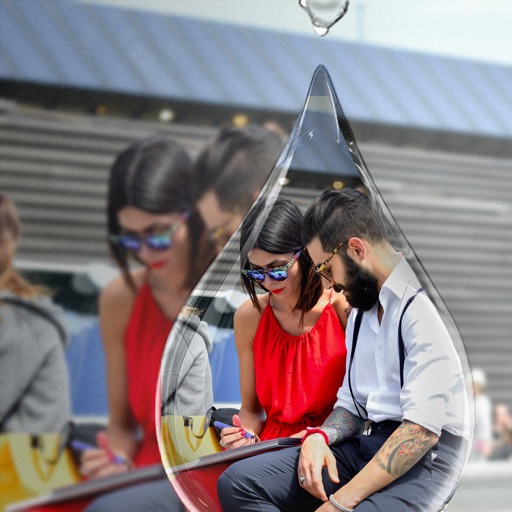
Edit photos with PIP frames, collages, and creative layouts. Add crystal bottle patterns and cartoon styles. Share edited photos directly to social media. Adjust brightness, contrast, and colors. Crop and rotate images.
Edit photos and videos to create oil paintings using 29 presets and 12 professional tools. Adjust brush strokes and colors manually. Apply AI-generated oil with machine learning enhancements. Export edited content in various formats.
Capture photos and videos with Bracketing, Slow Shutter, and Time-lapse modes. Adjust exposure, focus, and white balance manually. Export raw files and share directly. Sync with Apple Health for activity tracking.
Create photos by capturing trails from moving objects like cars or fire. Freeze motion in clouds or water. Draw with sources in the air. Adjust without time limits.
Create by adding photos or to customizable frames. Adjust images with zoom, rotation, and movement. Choose background music or mute the video. Share finished with friends and family.
Extract high-quality still images from videos or Live Photos. Select and edit frames with built-in tools. View and edited photos directly. Play videos from local storage or iCloud. Scrub through footage for precise frame capture.