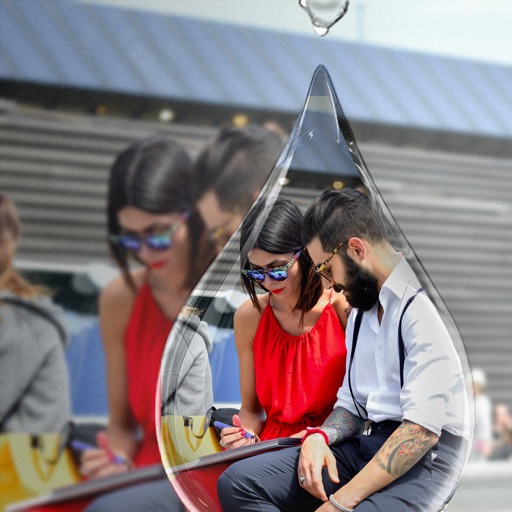
Edit photos with PIP frames, collages, and creative layouts. Add crystal bottle patterns and cartoon styles. Share edited photos directly to social media. Adjust brightness, contrast, and colors. Crop and rotate images.
Convert photos and videos to art with 30+ styles and 10+ effects. Record art videos directly or apply the style to existing clips. Save results as videos, live photos, or gifs. Adjust settings to customize the pixelation effect.
Create double exposure effects by blending two images. Adjust opacity and alignment for custom overlays. Save and share edited photos directly. Access advanced editing tools with a premium subscription.
Add accurate date, time, and GPS watermark to photos and videos. Sync with network time for real-time stamps. Edit watermarks manually. Share files with location data preserved.
Convert images and videos to emulate retro computer and console visuals. Apply pixel art filters for Commodore 64, IBM PC, ZX Spectrum, Amiga, Atari ST, Sega Mega Drive, Game Boy, and more. Adjust color palettes and resolution settings.
Create photos customizable frames and add a of a special person. Share edited images via social media or messaging. Make videos using pre-designed templates and add a to a virtual .
Create romantic photo with customizable frames and templates featuring flowers and adornments. Apply elegant color filters. Share finished with loved ones.
Take selfies with real-time beautifying filters. Adjust skin tone and appearance using specialized filters. Swipe to switch between different filter options. Share edited selfies directly.
Stream video and audio from iPhone or iPad using USB or WiFi. Adjust resolution and frame rate. Record and save streams directly. Control audio input and output settings. Monitor stream quality and performance in real time.
Arthur Eduardo Skaetta Alvarez Desenvolvimento de Software LTDA.
Videos from your device
Create loops from existing videos by selecting them from the Camera Roll or device files. Adjust speed, duration, and start point. Export loops as clips or GIFs without watermarks.
Create collages by selecting multiple photos and arranging them in various layouts. Apply mosaic effects to individual photos for artistic results. Edit images with basic tools and save or share the final output.
Combine GIFs to create animations with multiple clips. Add photos, videos, and music visualizers. Include stickers and text. Export and share finished projects. Edit frames and adjust timing for custom animations.
View photos with customizable gestures and animated GIF support. Reblog or save posts directly. Access dashboard, likes, or blogs. Save photos to Dropbox, Evernote, Google Drive, or SkyDrive. Support for photosets and over 250 posts on dashboard.
Capture photos and videos with retro color effects inspired by CCD cameras. Adjust high contrast settings and use a vintage interface. Record audio with analog-style filters. Share edited content directly.
Add images from Photos, iCloud, other apps, clipboard, or URLs. Tap to view fullscreen with optional titles. Randomize images every 15 minutes to daily. Adjust positions and zoom. Swipe between images.
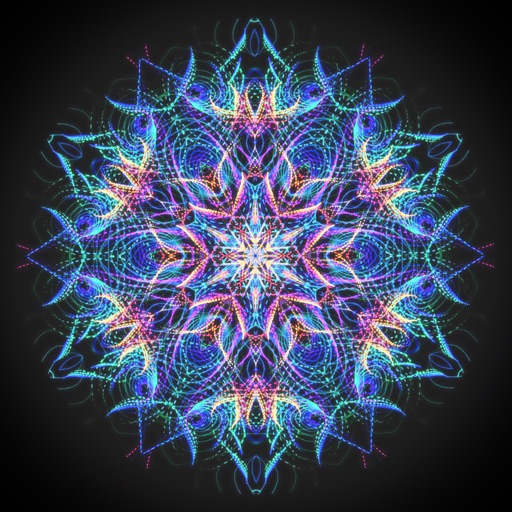
Create animated swirling patterns and kaleidoscope artworks. Select from various brush styles and color palettes. Adjust speed and symmetry settings. Save and share generated artwork. Relax through interactive, meditative visuals.