Use AR to trace and recreate images by aligning with real-world objects. Adjust line thickness and color. Save and share drawings. Access tutorials for improving sketching techniques. Export in multiple file formats.
Create embroidery, cutting, and printing designs using a library of thousands of templates and 2,000+ Disney designs. Edit text with 300+ fonts, monogram tools, and shape options.
Create art with layers, animation, and onion skinning. Import color palettes from Lospec or use built-in options. Zoom with pinch, draw with tap, and view mini-previews while dragging. Sync with Aseprite for file transfer.
Create art using augmented reality tools and follow step-by-step artist-led tutorials. Access daily for various mediums like acrylic, pencil, and watercolor.
Use AR camera to trace and sketch projected lines onto paper. Draw over real-world objects with digital ink. Save and share artwork directly. Adjust line thickness and color. Export drawings in multiple formats.
Create daily drawings through guided challenges with specific prompts. Receive instant feedback on artwork. Track XP, maintain streaks, and compare rankings on leaderboards. Features a clean interface optimized for artists.
Turn text into digital artwork instantly. Remix photos into new styles. Design custom logos and visuals. Generate high-quality images without design skills. Edit and export AI-generated art in various formats.
Create digital art with a variety of Procreate tailored for different styles and techniques. Adjust brush settings for pressure sensitivity and flow. Save and organize artwork in a digital gallery. Export creations in multiple file formats.
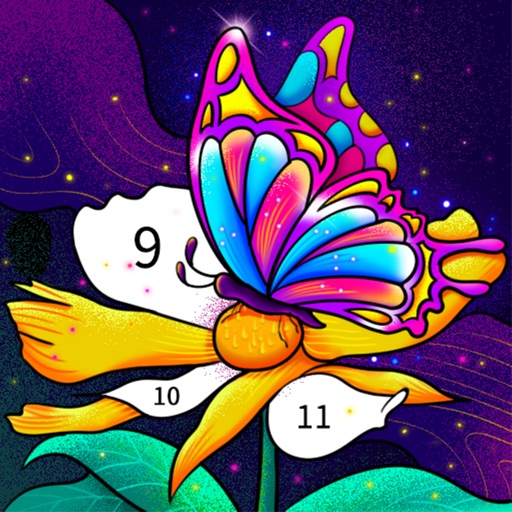
Color by number artworks can be selected and colored following numbered guidelines. Users can freely paint and save their creations. Artworks are available for free and can be explored in a casual drawing environment.
Create and edit visual content using AI-powered tools. Generate images, videos, and designs with text prompts. Customize styles, colors, and layouts. Export and share finished projects directly.
Create art using AI-generated images based on text prompts. Adjust style, color, and details. Save and share generated artwork. Edit and refine AI-created images. Export in various formats.
Create and manipulate mutable text with chance operations and gestural semiotics. Generate ephemeral missives and explore nonlinear flux. Use intermedia cutups and multimodal love features. Works on all iOS devices in portrait and landscape modes.
Create -style artwork from text prompts. Choose a style and generate images based on descriptions. Edit generated art with tools for color, composition, and details. Save and share finished pieces directly.
Stylize photos using over 500 AI art styles from various movements. Edit and retouch images with professional tools. Work offline with on-device AI models. Keep data private with no cloud storage. Export edited images in multiple formats.