Images by selecting files and choosing from preset or custom size options. Adjust measurements in pixels, inches, millimeters, or centimeters. Bulk multiple images using a master file and apply settings to all selected photos.
Edit photos with background erasing and replacement. Remove backgrounds automatically or manually using AI. Replace backgrounds with custom images, colors, gradients, or textures. Adjust and enhance images with precise editing tools.
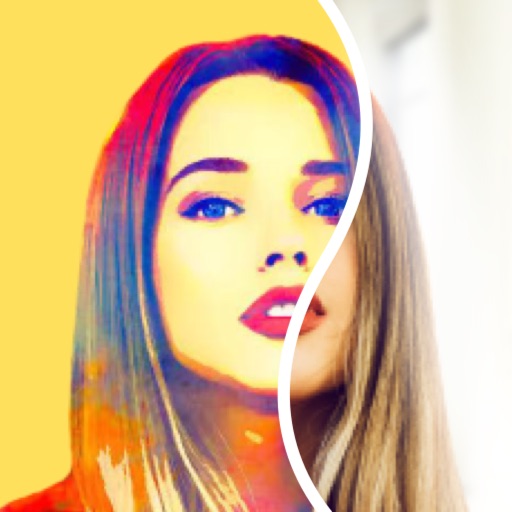
Create pencil sketches, oil paintings, and other artistic effects from photos. Choose from 13 styles including watercolor and comic black and white. Adjust colors and resize images. Export edited photos.
Compress photos to reduce file size while maintaining quality. Adjust compression settings to balance clarity and size. images to specific dimensions. Batch process multiple photos at once. Save compressed files directly to device storage.
And create QR for websites, contacts, and phone numbers. View detailed data from scanned . Access history and share directly. Subscribe for unlimited scans and code creation with automatic renewal options.
Compress videos to reduce file size without quality loss. Edit videos and photos with trimming, cropping, and filters. Batch compress multiple files at once. Save and share compressed videos directly.
Read e-books in EPUB, PDF, MOBI, AZW3, TXT, CBZ, CBR, and other formats. Import files with one tap. Access a minimalist interface without ads or extra features. Adjust text size and layout for comfortable reading.
Add multiple decorated texts to photos with various fonts and styles. Adjust color, size, and font name. Add outlines and shadows. Resize, rotate, and position texts freely. Save edited photos directly.
Videos to reduce file size and save storage space. Adjust resolution and bitrate settings. Export compressed videos in various formats. Share directly to social media or messaging apps.