Access remote servers via SSH on iPhone, iPad, and Mac with Panic Sync. Connect reliably over unstable networks using Mosh and Eternal Terminal. Set up port forwarding for secure data transfer. Manage terminal sessions across devices.
by Panic, Inc.★ 4.3360 ratingsDeveloper ToolsFreeData updated 2026-09-16
Manage files via SFTP on connected devices. Organize devices into projects for streamlined access. Scan local networks to locate compatible devices. Connect using SSH, SSL, or CTP through an integrated terminal. Generate reports based on device data.
Monitor CPU, memory, disk usage, processes, and temperature in real time. Manage GPIO pins with a colorful pinout and mode changes. Access an SSH terminal for full xterm experience. Browse, upload, download, rename, and delete files via SFTP.
Securely connect to UNIX/Linux hosts via SSH and Telnet. Manage multiple sessions simultaneously. Customize keyboard layouts and language settings. Support Bluetooth keyboards and touch-based hotspots.
SSH Terminal+ provides a terminal interface with multi-session management, command history, and customizable keyboard shortcuts. Users can execute commands, monitor server stats, and view performance metrics in real time.
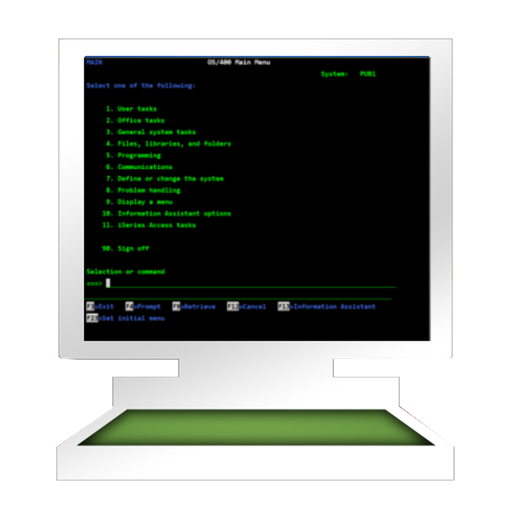
The app provides access to an AS/400 using TN5250 terminal emulation. It supports standard 5250 features, alternate screen sizes, SSL/TLS, and auto login.
Provides a secure SSH and for managing remote servers. Users can connect via SSH, transfer files using , and execute commands in a terminal. It supports terminal emulation, session management, and file navigation.
Provides a command line interface for iOS, allowing users to run Linux-based commands like ls, cat, grep, curl, and echo. It supports SSH and FTP connections for remote access.
Securely connect to servers via SSH for remote management. Run terminal commands to execute tasks and manage files. View server logs and monitor activity in real time. Support for SSH keys and password authentication.
Allows users to write and run code on mobile devices and tablets. It includes a code editor, sample library, and tools for building front-end and back-end apps. Users can customize projects and deploy applications directly.
Capture and analyze HTTP/HTTPS traffic, rewrite requests, and manage SSH connections. Use Terminal and Python3 for scripting. Edit cookies, perform DNS parsing, and run traceroutes. Monitor system resources like CPU, memory, and network.
Provides terminal emulator for running Unix commands on iOS. Users can transfer files via scp and curl, edit files with vim and ed, and process data using grep, awk, and sed.
The app connects to various servers and offers Git operations with a visual merge tool and branch history. It provides live editing, a built-in terminal, and syntax highlighting for numerous languages.