
iPhone Screenshots
Description
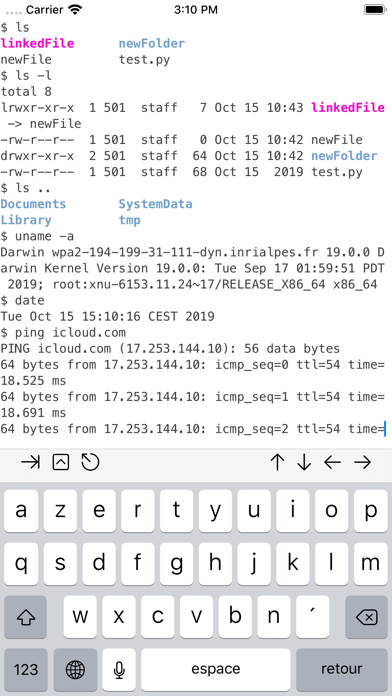
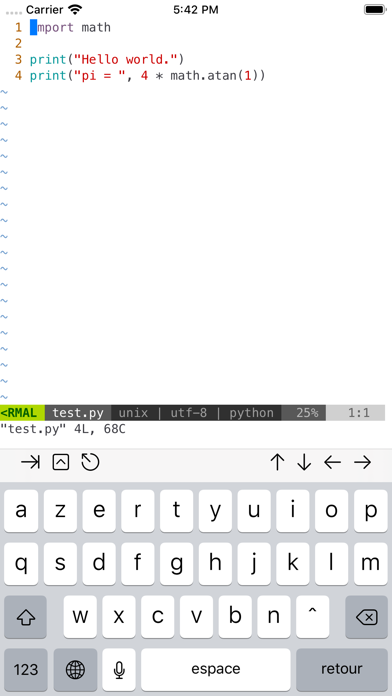
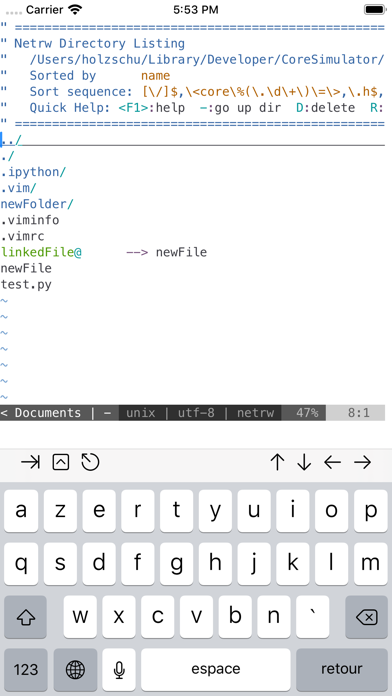
Provides terminal emulator for running Unix commands on iOS. Users can transfer files via scp and curl, edit files with vim and ed, and process data using grep, awk, and sed.
a-Shell is a complete local terminal emulator, allowing to run most Unix commands on your iOS device. You can transfer files using scp and curl, edit them with vim and ed, process them using grep, awk and sed. You can work with git repositories using lg2.
Most commands are compiled for iOS native Arm64 format, making them fast and well integrated with the BSD Unix that powers iOS/iPadOS.
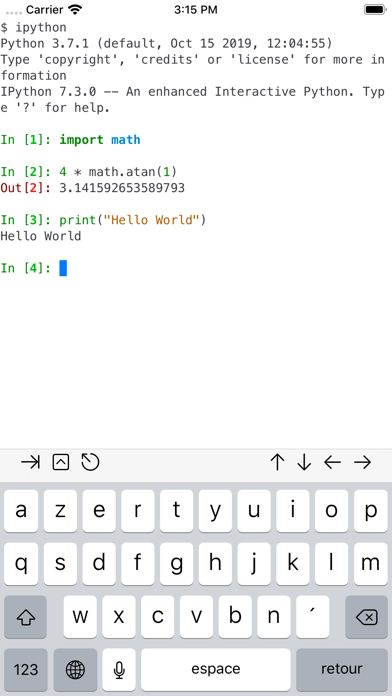
a-Shell includes Python, Lua, Perl, JavaScript, C, C++ for programming and TeX (texlive 2025, with Tikz and LuaTeX) for text processing.
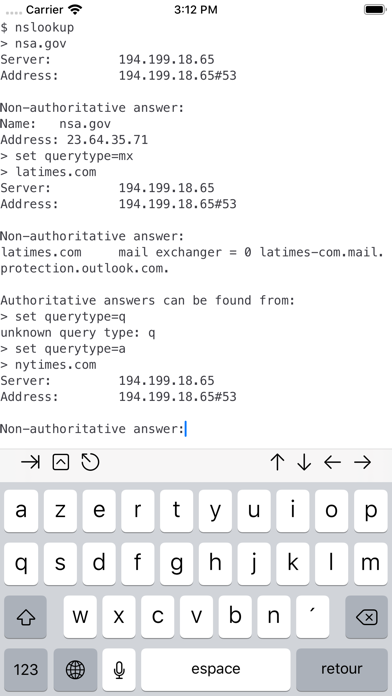
There are also multiple network utilities: nslookup, ping, whois, ifconfig... Type help for help, help -l to get the full list of commands.
a-Shell can be controlled from Shortcuts: run commands in order, process files in a-Shell, get the results as text or files, transfer files to other apps...
a-shell uses iOS 13+ “multiple windows” ability, so you can run multiple shells at the same time, with different commands, in different directories. You can edit a file in one window with vim and process it in the other with python.
Compile your C or C++ programs to webAssembly using clang or clang++, and execute the resulting binary. A complete webAssembly SDK is included (WASI-libc).
a-Shell is the complete version. If you need a smaller app, and you don't need a C compiler, a TeX engine, or numpy and matplotlib, there is a-Shell mini.