Convert physical documents and images into searchable digital files. , organize, and store documents securely. Access and manage files from anywhere. Share and annotate documents directly within the .
Documents, receipts, and photos to convert into PDF or JPEG. Add signatures and share files directly. Organize scanned images and manage documents securely. Supports OCR for text recognition and includes editing tools.
Scan documents into PDF, JPG, or ZIP formats. Use ID-card and passport modes for specialized scanning. Save and share files directly. Organize scanned documents in a mobile office folder.
Documents and photos from iOS devices. Edit files with built-in tools. web pages, contacts, and emails from Gmail, Dropbox, or Google Drive. Support over 20 file formats and connect to thousands of wireless printers.
Create and customize signatures for documents. Upload files from storage or photo gallery. Scan and sign PDFs and images. Apply signatures to multiple documents. Export signed files and share via email or messaging.
Track company performance with detailed financial reports. Monitor sales trends by revenue, quantity, and average spend. Analyze cash flow with inflows, outflows, vendor payments, and wages.
Scan and extract data from documents, driver’s licenses, passports, and credit cards. Verify documents instantly. Integrate with mobile or web apps via SDKs and APIs. Share scanned data securely.
Scan documents by pointing the at them. Automatically detect and capture images. Extract text using OCR technology. Save, share, or edit scanned documents. Convert physical documents into digital formats.
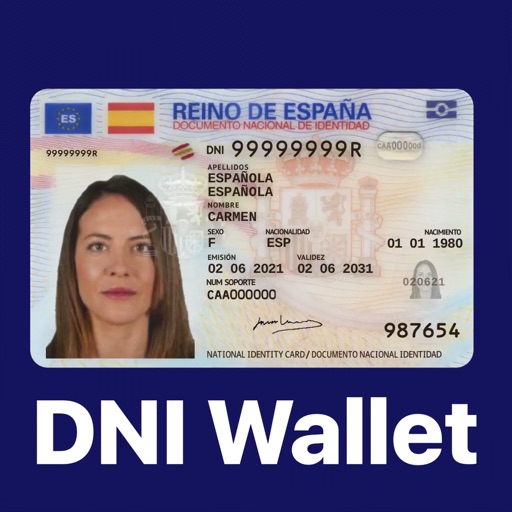
Store and manage digital ID cards and NIE documents. Add driver's license, health card, and other official documents. Access documents anytime and validate identity securely. Share documents with trusted services.
Create, edit, import, and export text in RTF, Markdown, and other formats. Organize research and generate ideas with structured notes. Sync documents across devices using iCloud and Dropbox. Remove distractions to focus on writing.
Convert documents to PDF by scanning with a mobile phone camera. Adjust image quality, crop pages, and save as PDF or image. Share files via email or cloud services. Organize scanned documents into folders and view notes.
Create and edit PDF documents by adding text, notes, and drawings. Import images and PDFs from the file . Convert photos to PDF, duplicate, rename, and password protect files. Rearrange pages, search within PDFs, and share as PDF or image.
Print documents and photos by connecting to wireless printers. Select files, adjust settings with built-in tools, and send prints remotely. Manage connections and access print history.