Edit with filters, stickers, and emojis. Create photomontages with built-in effects. Apply artistic tools for detailed edits. Add with customizable fonts and colors. Export and share edited images directly.
Create using a drawing interface with customizable brushes and pencils. Import and animate vector graphics. Export frames as images or video. Add sound effects and background music. Share directly to social media or email.
Create a stick man hero by drawing and doodling. Design a friend for the hero and name them. Navigate cartoon obstacles and defeat the evil stick man Zarp. Customize characters and progress through levels.
Can draw, paint, and color within interactive games. Follow step-by-step instructions to create drawings of animals, vehicles, and more. Practice fine motor skills by tracing dotted lines and completing coloring activities.
Draw shapes by touching the screen and moving your finger. Adjust color and size settings. Save and share completed drawings. Receive feedback on accuracy and precision.
Access event presentations, view exhibitor information, and connect with other attendees. Take notes on slides and draw directly on presentation content. Sync notes with event apps for easy reference.
The app covers 3,000 kanji, including all levels from JLPT N5 to N1. It offers stroke-order diagrams, example words with audio, and three study modes: Study Kanji, Kanji Quiz, and Meaning Quiz.
Create and animate drawings of characters like butterflies, frogs, and hedgehogs. Use drawing tools to sketch step by step. Watch creations animate and share drawings with others.
The app allows users to draw molecular structures and reaction schemes using fingertip gestures. It offers features for creating rings, chains, reaction pathways, and text annotations with chemical awareness.
Train observation and anatomy skills with timed figure sessions. Select pose duration, choose from photo galleries, and start immediately. A summary displays performance after each session.
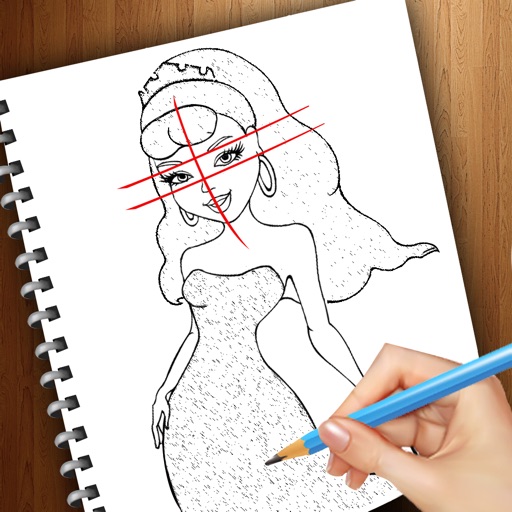
Create drawings step by step using pre-designed templates on various themes. Select and customize colors, add text, and save or share completed artwork. Access tutorials and instructional guides to drawing techniques.
Create and edit digital paintings using pencil tools, brushes, and smudge features. Fill areas with color, add text, and draw shapes like lines and circles.