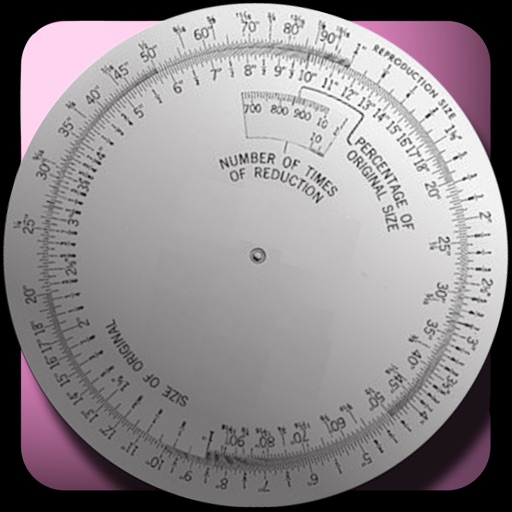
The app calculates new image dimensions while maintaining aspect ratio to prevent distortion. It offers fraction and percent modes, and an image scale tool for precise pixel sizing with a preview.
Build and hustles with personalized guidance. Share project ideas for instant feedback. Access a step-by-step business roadmap. Receive actionable insights and resources. Get answers to questions through AI agents.
Create tasks quickly and easily. Organize tasks by tabs with unlimited separation. Color-code tasks with eight colors. View tasks via Home and Lock Screen widgets. Set reminders for deadlines. Sync tasks across devices using iCloud.
Create checklists for grocery shopping, supplies, to-dos, or other tasks. Add items, mark them as complete, and organize lists. Share checklists with others. Sync across devices.
Daily productivity reset allows users to start fresh each day with expiring tasks. Set routines for recurring activities. Track progress with visual indicators. Sync across devices for seamless access. Manage tasks and prioritize effectively.
Organize with a digital notebook. Capture ideas, set reminders, and categorize notes. Search for past entries and sync across devices. Set daily goals and track progress over time.
Create landscape, holiday, and blueprint designs from photos using AI. Generate proposals, work orders, and purchase orders on-site. Simplify the design process with an intuitive interface.
Convert spoken words to text for quick -taking. Record audio notes and sync with written entries. Organize tasks with a calendar and to-do list. Search notes by keywords or . Share notes via email or cloud services.