Remotely control device functions from any location. Set scheduled tasks for automatic operations. View real-time status and historical records. Access FAQs and submit support requests. Perform software updates directly through the .
by Designlibro Inc★ 4.725 ratingsUtilitiesFreeData updated 2026-09-06
Remote control allows users to manage home appliances from any location. Multiple devices can be controlled simultaneously. A timer feature enables scheduling various functions. Devices can be shared with family members with a single tap.
Control home appliances remotely from any location. Manage multiple devices simultaneously within the . Set timers to automate tasks. Share device access with family members. Connect devices quickly and easily.
Report non-emergency issues like potholes or code violations with location details. Submit photos and descriptions for each request. Track request status and view city service updates. Communicate with city personnel through the .
Control lights, plugs, and air conditioning remotely
Control devices such as lights, plugs, and air conditioning. Customize settings and schedules. Monitor energy usage. Receive notifications and remotely adjust device functions. Integrate with compatible smart systems.
The app allows users to control electronics remotely using their iPhone and the Amcrest Connect app. Users can set schedules to save energy and money on various devices, implementing home automation without extra fees or subscriptions.
Control and customize Wi-Fi settings from any location. View connected devices and update network name and password. Access built-in security features and run speed tests. Manage smart home devices through the .
Turns mobile device into a virtual and microphone for Windows software via wireless or USB. Capture video for online meetings and streaming. Lite edition offers 640x480 resolution without audio.
Monitor vehicle locations in real-time or review historical data. Control engine functions remotely and set geofencing alerts. Track fuel usage with AI analysis and access live dashcam footage.
Manage audio/video devices by scanning barcodes to add them to the platform. Configure accounts, upgrade firmware, and receive alert messages. Perform device setup and monitoring through a centralized interface.
Control smart home appliances remotely through your mobile device. Adjust settings and customize programs for individual devices. Receive and manage notifications based on your preferences. Monitor appliance status and receive alerts in real time.
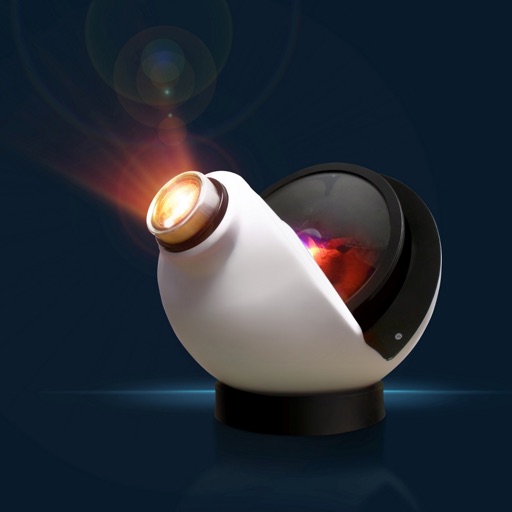
The app allows users to remotely control the Opti Aura projector from an iOS device. It can be used to set a timer and switch the projector On/Off, controlling up to five projectors.
Check account balances, transfer funds, pay bills, and open new accounts. Locate nearby branches and ATMs. Send money and manage finances remotely. View transaction history and set account alerts.
Control garage doors remotely from any location. Unlock doors with a passcode. Share access with family or friends via password. View door status and history. Integrate with smart home systems. Receive notifications for door activity.
Control audio equipment remotely with volume and source selection. Access a sleek interface to manage settings and view detailed information. Requires firmware update and Wi-Fi connection for automatic detection.
Remote control allows users to manage home appliances from any location. Multiple devices can be controlled simultaneously through the . A timer feature enables scheduling of various functions.
Control lighting transformers and electrical devices remotely from any location. Manage multiple devices simultaneously, group or control them individually. Use voice commands with Amazon Echo and Google Home.