
Devialet Expert Remote
Control amplifiers and view system info
Devialet SAS
iPhone Screenshots


Description
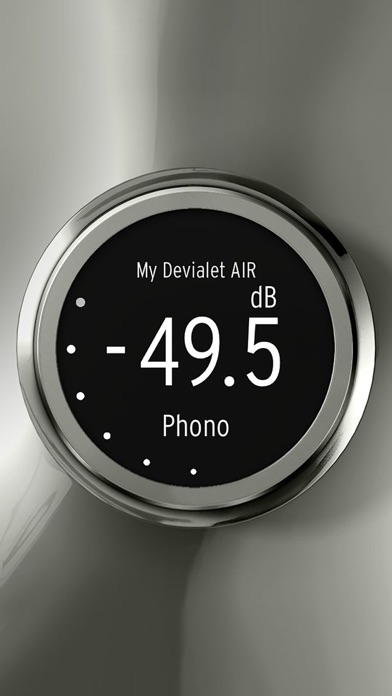
Control audio equipment remotely with volume and source selection. Access a sleek interface to manage settings and view detailed information. Requires firmware update and Wi-Fi connection for automatic detection.
Devialet Expert Remote lets you remote control your Devialet amplifier from any iOS device and includes a deported information screen for the best possible Devialet user experience.
Instructions:
1) Upgrade your Devialet to the latest firmware available on http://www.devialet.com
2) Connect your iOS device and your Devialet to the same network
3) Start the Remote app, your Devialet should be detected automatically
Features:
- Sleek user interface
- Volume and source selection
- Remote control your Devialet from your iOS device
- Deported display of your Devialet volume and source settings
- Support for multiple Devialet