Stickers are organized into four tabs for easy access. Users can send stickers to contacts such as friends, family, or coworkers. Stickers include expressive images of a frog named showing various emotions. No in- purchases required for all stickers.
by Christina Tran★ 4.92,350 ratingsStickersFreeData updated 2026-09-06
Send messages with brush-lettered and hand-drawn stickers. Tap to add to message threads. Drag and drop onto speech bubbles, photos, or other stickers. Scale and rotate stickers with a second finger before placing them.
Send Bible verses as stickers in iMessage. Include scriptures about and common religious greetings. Add stickers to messages to convey blessings and love. Share faith-based messages quickly and creatively.
Send birthday stickers featuring cats, cakes, gifts, and party decorations. Add text to customize stickers. Choose from 32 illustrated designs in pastel colors. Share stickers in messages to celebrate birthdays.
Use culturally inspired Islamic-themed stickers in iMessage. Send stickers directly within conversations. Access a curated collection of artistic designs for personal expression.
Create festive messages with -themed stickers. Add stickers to texts and photos. Choose from 170+ designs featuring holiday greetings and illustrations. Customize messages with hand-drawn and graphic stickers. Share decorated messages and images.
Use a variety of cute and funny emoticons to express emotions. Access high-quality with unique designs. Browse and select from a wide range of expressions for messages and social media posts.
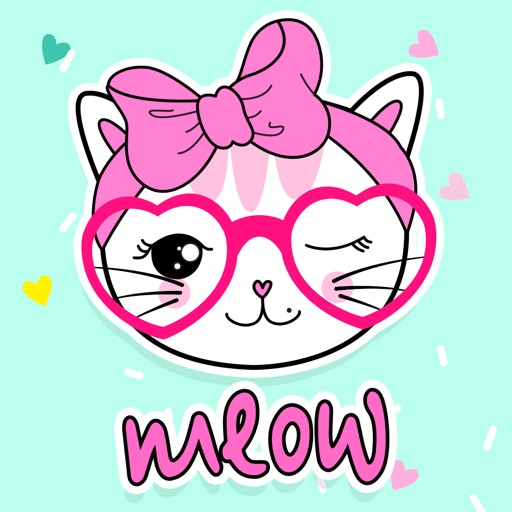
Use stickers to enhance messages with cat-emojis and expressive characters. Tap, drag, and drop stickers into conversations. React to messages with stickers in iOS 18. Browse a collection of classic and new emoji styles.
Use retro-style stickers to add character to messages. Customize with text and animations. Share stickers across platforms. Expand collection with new designs and animated options.
Send message stickers in iMessage. Tap to add stickers to messages, photos, or bubbles. Stack stickers in conversations. Scale and rotate stickers as needed. Manage stickers through the drawer.
Add -themed stickers to iMessages. Choose from ghosts, witches, and jack-o'-lanterns. Customize messages with spooky animations. Share stickers directly within conversations.
Use to add humor and personality to messages. Include high-quality -themed and a variety of unique designs. Customize conversations with different sticker categories and share directly in chats.
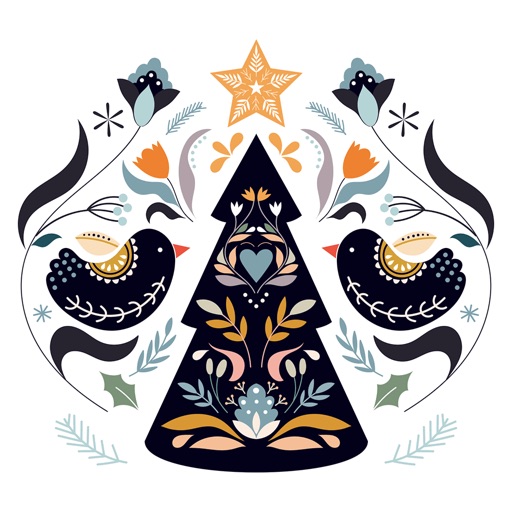
Add holiday stickers to messages, bubbles, or photos. Layer stickers for custom designs. Include festive characters like reindeer and trees. Share messages with friends and family.
Create and send animated stickers in iMessage. Choose from 21 pre-designed stickers like "Be Right Back" or "Not cool." Customize stickers with text, images, and drawing tools. Share created stickers in messages.
Send static and animated stickers featuring Michigan State themes. Include Jump Around, Slam Dunks, Touchdown Spikes, Sixth Man, Swish, and over 15 additional designs. Share via text messaging.
Create and send -themed messages using religious scriptures and greetings. Add stickers to iMessage conversations. Customize greetings with faith-based quotes and holiday symbols. Share messages with friends and family.
Add stickers to iMessage conversations. Choose from free stickers or purchase to unlock more. Customize sticker sets and use them in messages. Updates available regularly. No additional costs after purchase.
Add iMessage Effects to conversations with . Resize using pinch gestures. Place over messages, images, or other . Share emotions and ideas through humorous visuals.
Send and customize messages with 30 cat stickers featuring cute ginger cat designs. Choose from various expressions and animations. Share stickers via iMessage. Dark mode optimized.