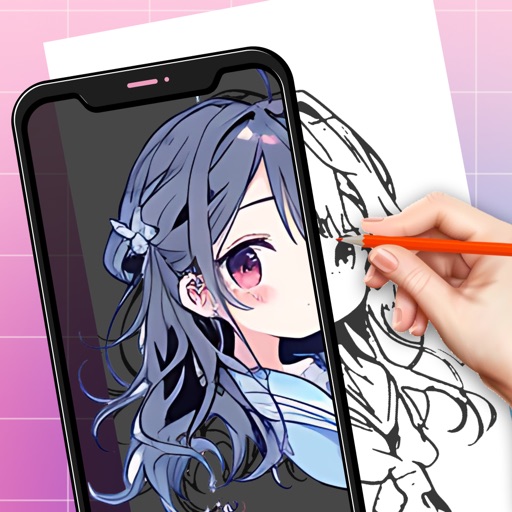
Create custom grids over reference images or drawing surfaces. Set grid dimensions and adjust spacing. Transfer intricate details square by square. Export drawings in multiple formats. Share directly from the .
Create drawings with Apple Pencil support. Use grid or lined backgrounds. over existing images. Save square images. Add widgets to showcase drawings on the home screen. Enable multitasking and multi-window features on iPadOS.
Turn real-world images into sketches using . Capture photos and apply freehand artwork with intuitive tools. Edit and refine sketches directly on the canvas. Share finished drawings via social media or email.
Locate lost devices using Bluetooth. View proximity percentage on screen. Receive vibration feedback when near device. Track devices remotely. Set location alerts. Share device location with others.
Create daily drawing to inspire artwork. using preferred medium. Share creations with global artists. Track progress over time to improve skills. Receive curated to avoid creative blocks.
Learn addition and subtraction through interactive like puzzles, coloring, and balloon popping. Practice with funny characters such as animals and monsters. Track progress and receive instant feedback during activities.
Create and share digital art with coloring pages, art games, and tracing tools. Design in 3D and display creations in a personal digital museum. Collaborate on drawings with friends and family.
Save ideas, organize projects, visualize workflows
Organize creative projects with notes, images, videos, and sketches. Arrange ideas and tasks visually in customizable boards. Invite team members to collaborate on shared or private boards. Save content from other apps directly.
Take handwritten notes with stylus or fingers. Import and annotate PDFs. Add text, images, shapes, and stickers. Move, resize, or rotate objects. Use layers for organization. Export documents as PDF.