Practice mirror work skills through virtual simulations and structured missions. Complete tasks to build proficiency. Access advanced features with a premium subscription. Track progress and refine techniques in a clinical environment.
Create drawings using realistic pencils and marker pens. Listen to drawing sounds. Navigate an intuitive interface. Access eight free sketches for coloring. Explore related apps in the drawing series.
View webpages with full functionality on mobile devices. Switch between computer and mobile website versions. Choose from multiple browsers with user agent options. Take long screenshots of webpage content. Add frequently used URLs to the home page.
Learn letters, numbers, and shapes by tracing. Add and customize up to 100 personal words or names. Rearrange or delete entries in the list. Practice writing names and basic words through interactive tracing exercises.
Trace letters, numbers, and shapes with interactive exercises. Complete puzzles and to reinforce learning. Receive instant feedback and track progress through visual rewards. Share achievements with parents or teachers.
Teach children to write by tracing dashed lines. Includes 20 free characters and option to purchase full set of 46. Features encouraging characters and interactive learning activities.
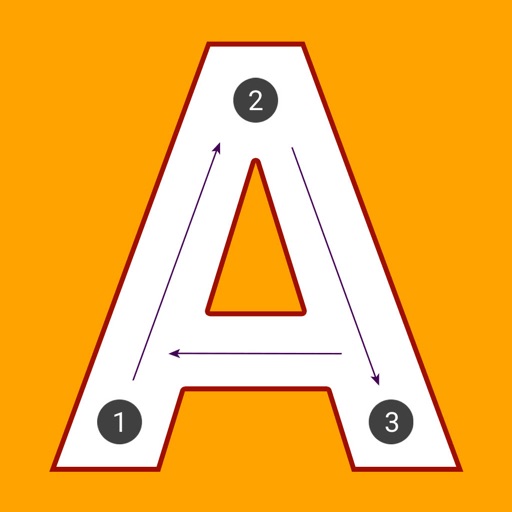
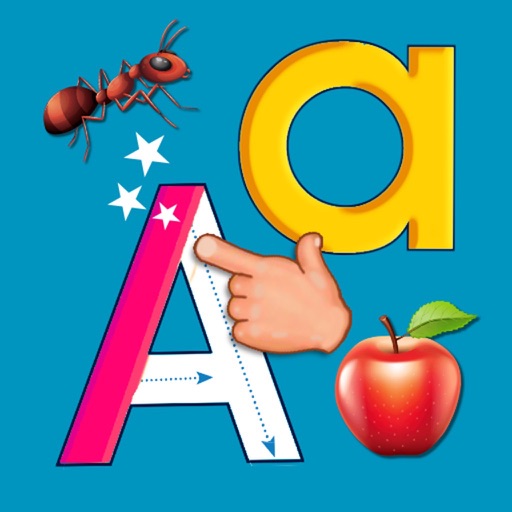
Teaches and alphabet recognition through tracing games. Children follow arrows to trace letters, associate them with sounds. Includes interactive activities for toddlers, preschoolers, and kindergarteners.
Early education offers structured activities for children ages 3 to 5. Teach letters, sounds, numbers, colors, shapes, and basic math. Include handwriting practice, reading readiness, puzzles, memory games, drawing, and coloring.
Detect and remove unauthorized devices from your network using advanced scanning tools. Monitor network activity for unknown devices. Provide feedback to shape features. View network connections and block suspicious devices.
View and play sheet with support for MusicXML and NotationPad files. Listen to audio playback and adjust tempo. Annotate sheets with a drawing tool. Sync with dark mode. Save and organize musical scores.
See color values in real-time using the camera or convert photos to grayscale. Measure lightness of specific points. Apply grayscale filters for sketching. Helps with grayscale art and contour line practice.
Children learn to through interactive tracing exercises. Each letter is accompanied by animations that activate upon completion. Features include letter formation practice, step-by-step guidance, and visual feedback for correct writing.
Sketching and doodling apps offer tools for creating and editing drawings. Users can choose between sketching, doodling, or learning through kid-friendly features. Apps include drawing pads, color tools, and interactive learning options for children.
Listening allows users to play MP3 and MP4 files with automatic sentence segmentation and subtitles. It supports looping individual sentences and translating audio into subtitles for listening practice.
Create and edit documents with text formatting, tables, and images. Insert and manage lists, headers, and footers. Save and share files via email or cloud services. Access templates and collaborate in real-time with others.