Access real-time images from the TrueDepth camera for low-light photography. Pan the display to face angles from different perspectives. Switch between 3D and 2D views to see depth data alongside the original image. Save 3D face photos directly.
by HAN WEI WANG★ 4.24 ratingsUtilitiesFreeData updated 2026-09-06
Take photos and videos using built-in webcams or connected iPhones. Adjust settings like resolution and frame rate. Edit images with cropping, filters, and brightness controls. Record videos with custom duration and quality options.
The app allows users to take retro-looking pictures with various special effects. Users can swipe to choose a vintage effect and click the camera icon to take a picture.
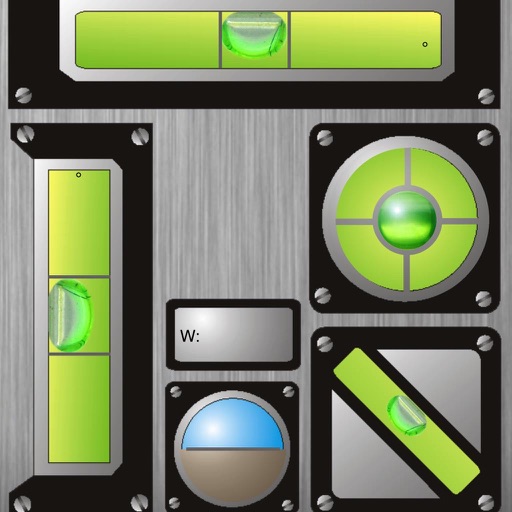
The app displays horizontal and vertical bubble levels, 45° indicators, and total angles. It also includes an artificial horizon and a ruler in cm and inches.
Record video from two cameras at once using Ultra Wide, Wide, Tele, or Selfie lenses. Swap between main and secondary views by tapping. Adjust image settings for each camera. Choose Full Frame or Full Screen preview modes.
Live video feeds from the WiFi 3 camera. Capture still images or record video. Adjust camera settings including resolution, light source type, white balance, exposure, and contrast. Control camera functions remotely via mobile device.
Edit photos with realistic AI enhancements, preserving natural lighting and texture. Adjust weather conditions to brighten skies or enhance lighting. Expand scenes and poses to create new, cinematic frames. Export edited images in high quality.
Securely store photos and videos with passcode protection and optional Touch/Face ID. Access a fake passcode to display different content. Batch import media, customize names and covers, and share or export files. No browsing history is saved.