Access real-time images from the TrueDepth camera for low-light photography. Pan the display to face angles from different perspectives. Switch between 3D and 2D views to see depth data alongside the original image. Save 3D face photos directly.
by HAN WEI WANG★ 4.24 ratingsUtilitiesFreeData updated 2026-09-06
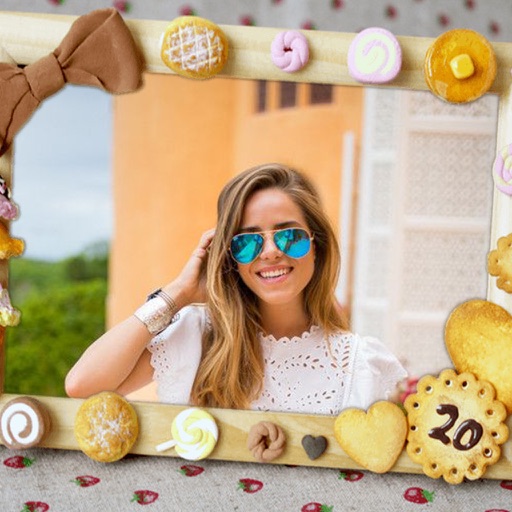
Decorate photos with customizable and effects. Choose images from the gallery or capture new ones. Adjust position, size, and angle. Save, share, or upload photos to social media platforms.
Decorate photos with customizable and effects. Choose images from the gallery or capture new ones. Adjust position, size, and angle. Save, share, or upload edited photos to social media platforms.
Decorate photos with customizable and effects. Select images from the gallery or capture new ones. Adjust position, size, and angle. Save, share, or upload edited photos to social media platforms.
Take photos in low light with a minimalistic interface. Adjust screen brightness and color temperature. Apply filters for film and sensor simulations. Capture images in dim environments without external lighting.
Scan negatives, convert to positives, share results
Convert color negatives, black-and-white negatives, and slides into positive images. Adjust and save scanned photos to the folder on your iPhone. View and save photos in zoom mode.
Edit photos by selecting from the gallery or capturing with the camera. Apply multiple and effects. Adjust position, size, and angle. Save, share, or upload images to social media platforms like Facebook, Twitter, and email.
Record screen and camera simultaneously with a single click. Speak naturally during recordings. Save videos locally on macOS without cloud storage. Access via menu bar for quick use. No account setup or additional platforms required.
Edit photos by selecting from the gallery or capturing new ones. Apply various and effects. Adjust position, size, and angle. Save edited images and share via social media, email, or messaging apps.
Edit photos by selecting from the gallery or capturing new ones. Apply various and effects. Adjust position, size, and angle. Save edited images and share via social media, email, or messaging apps.
The app allows users to take retro-looking pictures with various special effects. Users can swipe to choose a vintage effect and click the camera icon to take a picture.
Measure angles in images using a built-in protractor . Select and adjust points on the image to calculate angles. Save and export results. Share data via email or cloud storage.