Edit photos and videos with nostalgia-inspired filters, textures, and light leaks. Add frames and date stamps. Adjust exposure, contrast, and vibrance. Export edits in various formats and share directly.
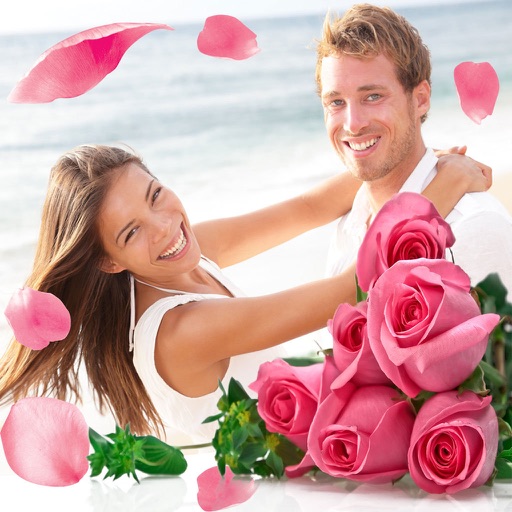
Apply flower to photos from your album. Choose from various like roses, daisies, and sunflowers. Add color filters and adjust appearance. Share edited photos with family and friends.
Edit photos with skin smoothing and whitening features. Adjust enhancement levels from 1 to 8. Apply 12 unique filters for enhanced selfies. Add makeup tools for detailed facial enhancements. Save and share edited images directly.
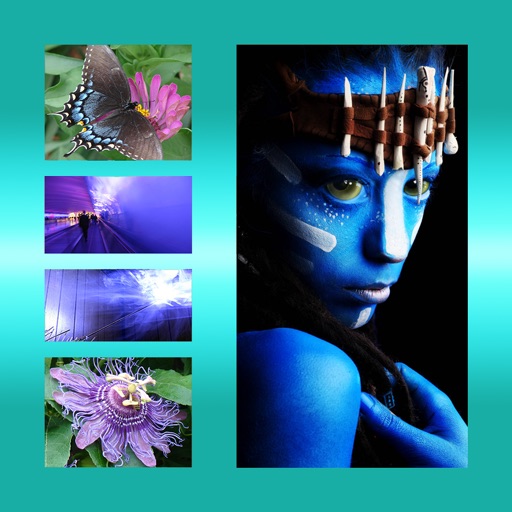
The app allows users to combine multiple photos into one framed picture. Users can adjust contrast, brightness, and saturation, add text, and apply effects.
Take photos with single-tap effects and professionally designed filters. Adjust brightness and contrast. Apply blur and focus. Rotate and crop images. Export edited photos in various formats.
Edit photos with single-tap effects and professional filters. Adjust brightness and contrast. Apply blur and focus tools. Enhance portraits with specialized filters. Export edited images in various formats.
Create portraits with vintage photographic effects. Apply four styles including B&W, color, high contrast, and sepia. Adjust eye intensity, grain, and depth-of-field. Supports portrait mode for enhanced background blur.
Convert photos and videos into paintings or hand-drawn animations using AI. Apply sketching or painting styles with adjustable textures. Save the artwork process as a video. Choose from five standard art tools.
Backgrounds from photos using AI-powered tools. Edit photo backgrounds, replace with new ones, and generate PNG files. Save and share edited images directly.
Edit and color correct video footage in one application. Adjust color grades, apply filters, and fine-tune exposure. Import and export projects in various formats. Sync with desktop versions for advanced editing. Track timecode and frame rates.
Edit photos with skin retouching, blemish removal, and dodge & burn tools. Remove stray hairs and edit hair part lines with one click. Reshape facial features and adjust body proportions using 3D bone mapping.
Edit photos with film-inspired filters, adjust color and contrast, and apply grain effects. Tap to switch between different aesthetic styles. Save and share edited images directly.
Edit photos with AI-powered tools, intuitive gestures, and customizable sliders. Adjust exposure, colors, and clarity. Add text, stickers, and borders. Export in various formats and share directly. Sync edits across devices.
Edit photos by applying AI-generated filters and effects. Choose from various styles and presets. Process images automatically for polished results. Share edited photos directly.
Remove backgrounds from images by drawing a closed curve. Automatically erase similar color areas for transparent results. Adjust brush size for precise edits. Pan, zoom, and rotate images.
Edit photos using 300+ Lightroom for iPhone, including Portrait, Cinematic, Natural, Retro, and Instastyle filters. Apply instantly or export to Lightroom. Preview and organize across multiple categories.