Apps Like RustDesk Remote Desktop for iPhone and iPad
Control devices securely
Control devices through a secure connection. Access files, run applications, and manage settings on machines. Support for multiple platforms and open-source code. No screen sharing or control features available.
by Purslane Limited★ 4.151 ratingsUtilitiesFreeData updated 2026-09-06
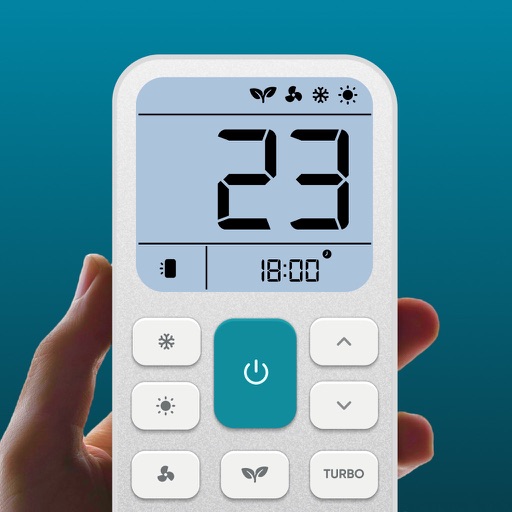
Control air settings from a smartphone. Adjust temperature, switch modes, set timers, and change fan speed. Connect to multiple AC units. Compatible with various brands. Manage cooling or heating remotely. View and adjust schedules.
Access grades, send messages, and view assignments
Access grades, send LoopMail, and check notifications. View locker contents and access files directly. Sync with to stay updated on grade changes and messages.
Edit files using Processing or Regular Expressions. Search files by name, type, date, or modification. View and edit source code in multiple formats. Open and navigate PDFs directly. Search within documents for specific content.
Transfer contacts, calendar entries, photos, and videos between devices without internet. Connect devices via local Wi-Fi. Search for devices in the same network. Sync directly without uploading to servers.
Sync battery, heart rate, and step count data from PineTime to iOS. Control Apple Music playback via PineTime. Update PineTime firmware directly from the .
The app enables remote operation of Bosch security systems. Users can arm or disarm their systems, control specific zones, and manage outputs for functions like lighting.
Receive push notifications across all devices using an API and access token. Customize notification channels and deploy a node server for management. Support Lua plugins for extended functionality.
Receive remote assistance for equipment, machinery, and infrastructure issues. Share real-time camera view with experts. Annotate with 3D markers on real-world objects. Create and share video tutorials for training.
Connect to TV for remote control. Navigate using arrow keys for TV interaction. Manage TV apps from the remote interface. Adjust volume with responsive controls. Requires same Wi-Fi network for connection.
Control network-enabled devices with functions. Stream music wirelessly to compatible speakers. Manage playlists, play, pause, and adjust volume directly from the .
Control your Linux, Windows, or macOS desktop remotely. Access full screen mirroring with mouse and keyboard input. Use built-in VNC server for secure access. Manage devices and perform tasks from anywhere.
Manage Mac computers remotely by distributing software, providing real-time assistance, and generating detailed reports. Encrypt data during transfers and configure task servers for offline installations.
Control your Mac or PC with an iPhone, , or iPod. Use simulated touchpad and keyboard functions. Access panels for media playback, file transfers, and presentation controls. Perform actions like dragging, clicking, and scrolling.
Control device via WiFi or Ethernet network. Specify IP address during first launch to establish connection. Adjust settings, navigate menus, and manage recordings remotely from iOS device.