

Apps Like Drip Effect : Photo Editor for iPhone and iPad
Drip Effect : Photo Editor screenshots
Ranked alternatives
Showing 1–20 of 1,000 ranked alternatives.
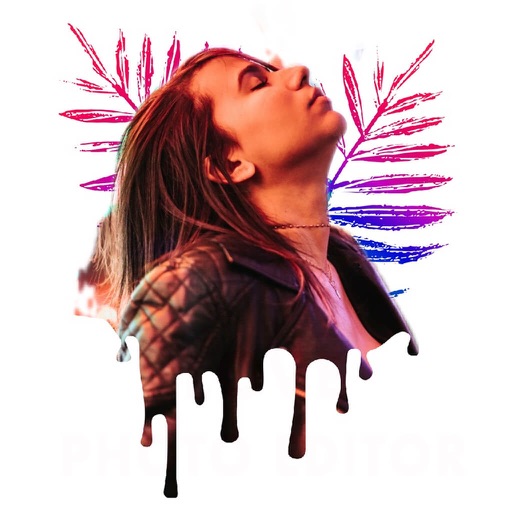
Drip Art Effect Photo Editor
Patel Gaurav
Create art and share photos
Apply art to photos for creative visuals. Add spiral effects and blur backgrounds. Use emoji art, background art, and outline art to enhance images. Apply AI, cartoon, neon, and mask effects. Create retro, atlantis, and big camera styles.
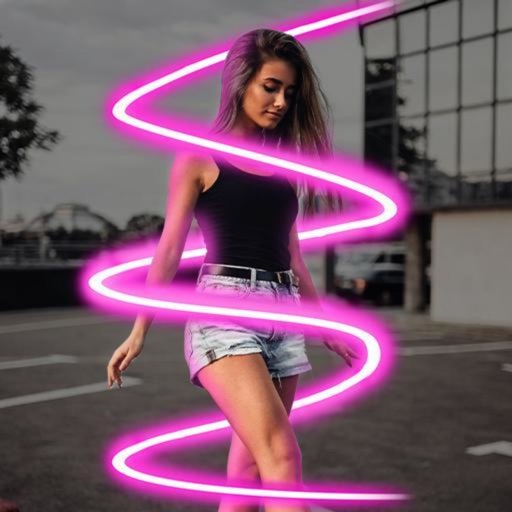

Drip Photo Neon Spiral Editor
Savita Yadav
Edit photos with effects and art
Edit photos with effects, spirals, art, and beauty filters. Add background arts and adjust brightness. Export edited images in various formats and share directly.

Meitu: Photo & Video Editor
Meitu Technology Co., Ltd.
Edit photos and videos instantly
Edit photos with 200+ filters and AI art effects for enhanced visuals. Adjust brightness, contrast, and saturation. Add text, stickers, and animated effects. Export in various formats and share directly. Apply AI flash for vintage aesthetics.


PixelLab: AI Photo Editor
PIYUSH SHIYANI
Edit photos, add drip art, create collages
Edit photos with AI cartoon filters, -to-sketch conversion, and mosaic art creation. Remove backgrounds, add drip art, and create collages. Save and share edited images directly.

Airbrush: Face Photo Editor
PIXOCIAL TECHNOLOGY (SINGAPORE) PTE. LTD.
Edit photos and videos with AI retouch
Edit photos and videos with AI retouch for detailed skin enhancement and blemish removal. Adjust lighting, color, and composition. Add text, stickers, and filters. Export in various formats and share directly.

VivaVideo - Video Cut & Editor
Hangzhou Xiaoying Innovation Technology Co., Ltd.
Create videos with AI effects
Create videos using AI-generated templates for TikTok, Instagram Reels, and YouTube Shorts. Add auto-synced captions and beats. Convert text or images into videos. Remove backgrounds and auto-cut clips. Apply AI effects for enhanced visuals.

Lightroom Photo Editor & Video
Adobe Inc.
AI photo and video editor.
The app offers AI-powered photo and video editing tools. Users can enhance images, remove distractions, and adjust lighting with one-tap features and presets.
Neon Photo Effect
Dipen Shukla
Edit photos with text and auto background
Edit photos with text effects and auto background changes. Add customizable signs and text. Adjust brightness and contrast. Save and share edited images directly.


Photo Lab — AI Image Editor
Linerock Investments LTD
Enhance photos with realistic effects filters.
The app offers over 1000 effects, including AI art styles, background replacement, and makeover options. Users can create unique photo montages and collages with a built-in editor and share their creations.

Photo Studio: AI Photo Editor
Nishan Singh
Edit photos with filters and effects
Edit photos with filters, effects, and AI tools to remove or blur backgrounds. Add stickers, text, and frames. Apply glitch, neon, and drip effects. Adjust colors and crop images. Export and share edited photos directly.
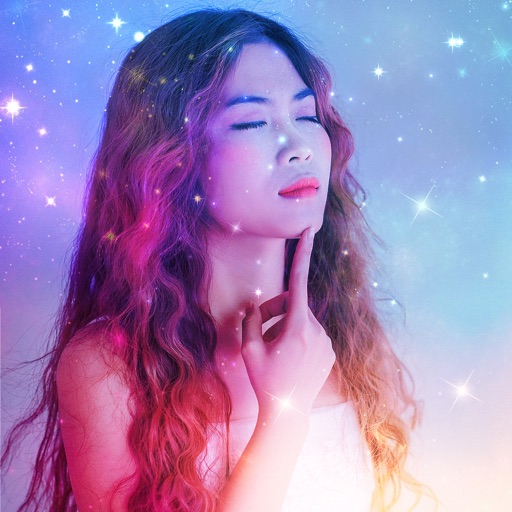

AI Photo Generator & Enhancer
Veena Makhija
Edit photos with AI filters and effects
Edit photos with AI art style transfer and realistic filters. Add beautiful frames and apply FX or blur effects. Turn portraits into canvases or cartoons with magic effects. Use lens tools for lighting and adjust colors manually.

PicPro - AI Photo Editor
Quang Tran
Edit photos with AI tools and effects
Edit photos with 100+ presets and trending filters. Apply drip art, neon, and spiral frame effects. Add typo text and customize image sizes for social sharing. Use AI-powered background eraser and blend tools.
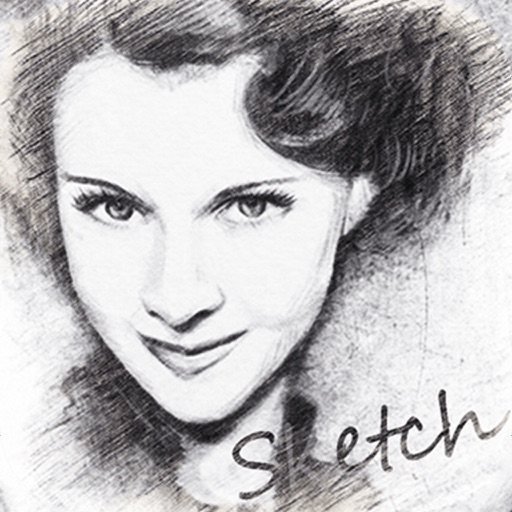
Pencil Sketch Photo Camera
云涌 段
Convert photos to sketches and cartoons
Convert photos into sketches or cartoon avatars using 50+ effects like , Memory Style, and Old Movie Style. Apply 50+ cartoon effects to create humorous or artistic images. Save and share the edited photos directly.

Pixel Lab:Photo & Video Editor
Parth Changela
Edit photos and videos with filters
Edit photos and videos with filters, effects, and frames. Crop, adjust brightness and contrast, and add text. Share edited content directly with friends.

How we rank alternatives
Apps are ranked by functional similarity, category fit, rating confidence, and popularity.