Design and simulate electromechanical systems using relays, switches, buttons, contactors, timers, and motors. Create electrical diagrams, test circuit functionality, and analyze component interactions. Export simulation results and share designs.
by Abdessamed Benkabouya★ 4.214 ratingsEducationFreeData updated 2026-09-06
Create 2D scenes with realistic . Add objects and adjust properties. Test cause-and-effect interactions. Refine designs for accuracy. Analyze motion and mechanical behavior. Build complex structures and machines. Export creations for sharing.
The app creates genograms for family systems work and psychology study. It allows users to add symbols, labels, and case notes with optional dates for a chronological timeline view.
The app presents nine foundation haircutting exercises using 3D diagrams. It demonstrates proper sectioning, elevation, and cutting angles for stylists and barbers.
Explore the Boeing 787 with interactive panels and display modes. Tap to learn about flight control components and systems. View detailed layouts and operational functions. Simulate procedures and test knowledge through quizzes.
Interactive vector force calculations for rigging.
The app provides interactive vector force calculations for rope rigging systems. It allows users to calculate forces in multipoint anchors, tripods, highlines, and more with visual diagrams and photo overlays.
Track practice sessions with timers and set goals and challenges. Monitor progress with visual reports. Receive feedback from teachers and students. Earn rewards for completing tasks. Sync data across devices.
Learn music with interactive lessons that combine visual fretboard diagrams and audio playback. Practice intervals, chords, and progressions through structured lessons. Use ear training exercises to improve pitch recognition.
The app presents an interactive Airbus A320 flight deck with detailed information on switches, buttons, and displays. It covers all 11 system pages, offering study material for pilots and those beginning type ratings.
The app provides access to 3,002 kanji entry characters, including all characters from the Jōyō Kanji and Jinmei Kanji lists. It offers animated stroke-order diagrams and multiple search modes for kanji and compounds.
Edit G-code programs for CNC milling machines. Parse code to generate 3D toolpath visualizations. Simulate machining operations and analyze code syntax for errors. Adjust parameters to optimize cutting trajectories.
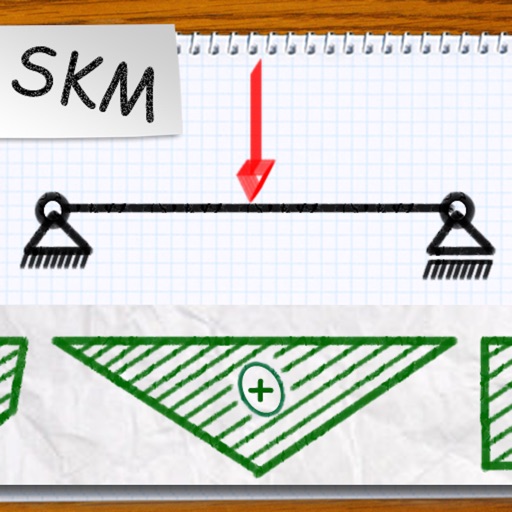
The app allows users to sketch and analyze structural systems on the iPad. Analysis results like deformations and section forces are visualized instantly, with finite element analysis performed in the background.
Explore 3D models and diagrams. Test knowledge with a randomized quiz featuring 140 bones and landmarks. Use audio for pronunciation guidance. View real bone images and system videos. Access nine 3D models and twelve diagrams for detailed study.
Concepts through tutorials, formulas, and quizzes. Calculate variables using a smart formula solver. Access 4 tutorials for free or upgrade to unlock 11 additional tutorials. Track progress with built-in quizzes and formula references.
Take a timed exam with 55 questions per test. Access four exams with diagrams where needed. Create individual user accounts. Purchase all exams through in- purchase. Receive free updates. Track progress and review answers.
Simulate a realistic FPCDU interface for flight training. Enter and edit flight data, use Line Select and Function Keys. Integrate with FMST Desktop Software for synchronized training. Perform data entry tasks and navigate flight scenarios digitally.