Create and edit art with intuitive controls. Use advanced tools for detailed modeling. Import and export models in formats like VOX, OBJ, and JPEG. Move, rotate, and duplicate voxels. Cut, copy, and paste parts of models.
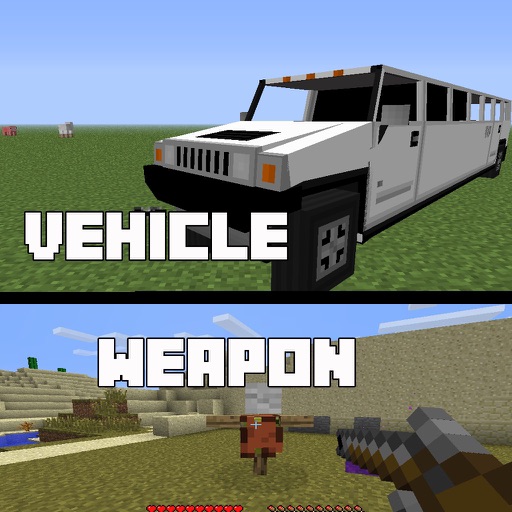
Install and manage for . Select and download for weapons, cars, furniture, and more. Open mod files within the to import them into . Activate chosen in world settings for multiplayer use with friends who have the same installed.
Explore maps in , including Medieval , Parcours, and SkyBlock. Choose and download maps directly. Import map files into to play. Share maps with friends or play solo. View map details and download options within the .
Share creations, connect with players, exchange tips
Connect with players to share creations like Add-ons, Maps, and Skins. Discuss tips and knowledge about the game. Create and edit posts, comment, like, and follow others. Search for posts and users. Follow or unfollow players to stay updated.
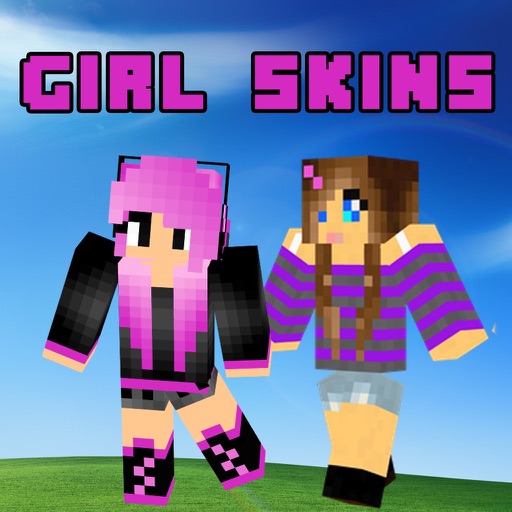
Download for Pocket Edition and PC. Browse categories like New, Top, Girls, Boys, and Animals. Search for by type including Heroes, Love, and Professions. Install directly from the . Share with friends. Organize downloaded in a library.
Capture 3D models of objects or spaces using LIDAR or TrueDepth technology. Save scans in USDZ format for iMessage or AR QuickLook. Export in OBJ, GLTF, GLB, DAE, and STL formats. Share 3D models directly via iMessage or AR QuickLook.
Create and customize characters using an intuitive with hundreds of ready-made templates. Edit multiple elements simultaneously. Use advanced drawing and coloring tools. Generate skins with AI. Import and export creations.
Track and organize custom points of interest in . Mark farms, villages, and mining spots. View interactive world maps with accurate biomes. Locate structures like strongholds and end portals. Save and retrieve coordinates for easy navigation.
Create 3D pixel art and voxel art using a full-featured voxel editor and pixel art editor. Use dozens of tools and brushes for block building, including pencil, bucket fill, and magic. Share creations via photos and videos.
Install buildings directly on your map. Choose from houses, castles, skyscrapers, and pixel-art designs. Search for over 1 million structures. Place objects precisely using a 3D viewer. Automatically build objects without following instructions.
Capture real-world objects using a smartphone camera to create 3D models. Choose from formats like OBJ, STL, FBX, PLY, USDZ, GLB, and GLTF. Export models to NVIDIA Omniverse and integrate them into Minecraft as block structures.
Provides mod guides for PC edition. Users can search for , add favorites, and access and . It includes additional features for managing and discovering without altering the game directly.
Create 3D art with advanced editing tools. Build models using intuitive controls. Export to multiple formats. Use AR to preview creations. Design assets for games or the metaverse.