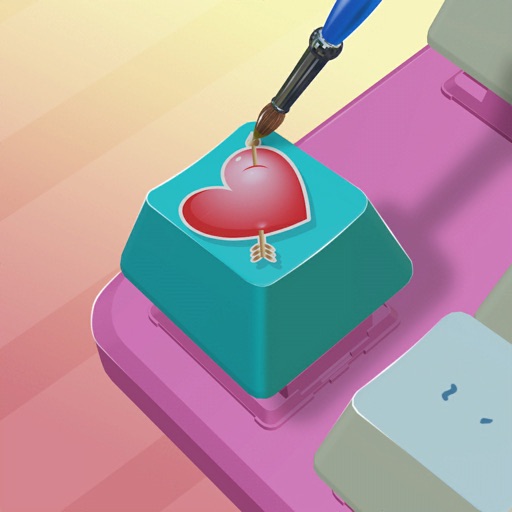
Customize keycaps with paint brushes, stencils, and spray paint. Add colors and artwork to create personalized designs. Save and share creations directly.
by ZPLAY (HK) TECHNOLOGY CO., LIMITED★ 4.628,867 ratingsGamesFreeData updated 2026-09-06
Create pixel art by selecting images of varying sizes and difficulty. Choose from a large collection of free images or design custom pixel art. Paint by number with pre-colored sections and customize colors. Save and share completed artwork.
Explore French language, numbers, shapes, and colors through interactive games. Complete art activities, identify geographical locations, and play memory challenges. Track progress and unlock new adventures.
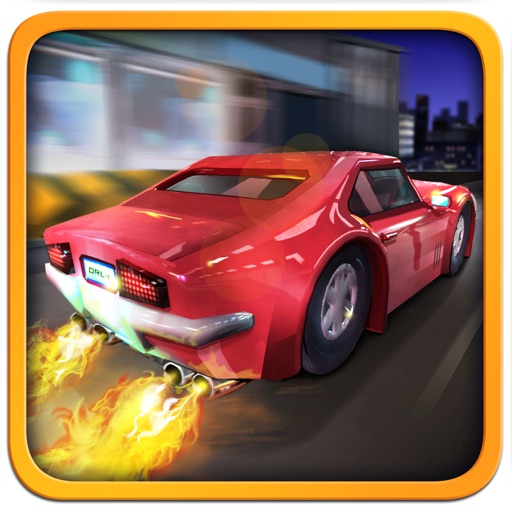
The app features over 130 single player races and global leaderboards. Users can customize cars with tuning, paint, and decals, and participate in daily challenges.
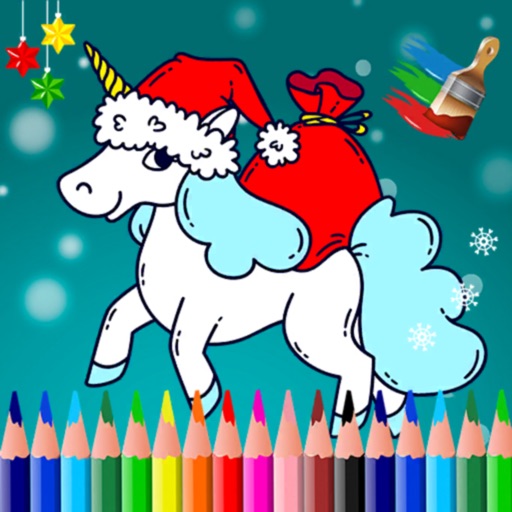
The app offers a joyful art space for kids with simple drawing tools and multiple colors. It includes coloring templates for learning and an AI feature that transforms doodles into characters.
Create and customize anime dolls with drag-and-drop styling. Choose colors and accessories. Decorate backgrounds and add makeup. Save and share outfits. Track progress through different themes and styles.
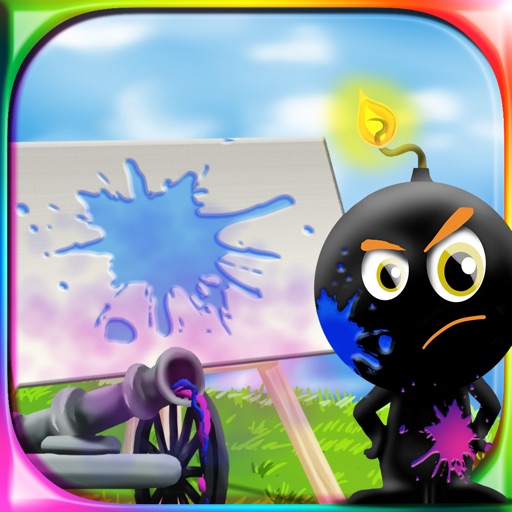
The app provides a drawing experience for all ages. Users aim and shoot colored cannonballs to create artistic splashes on a canvas and use brushes to draw.
Pages allow users to tap and fill areas with selected colors. Themes include animals, beach, and vehicles. Users can save completed drawings and share them via social media or email.
Allows users to select and paintings from a gallery or save them to Favorites. Users can match colors using the RBG system, learn primary relationships, and access random paintings via the Paint palette.