Create collages with multiple formats including 2×2 square, three-tile vertical stack, two-column square, two-row square, portrait-2-rows, and hybrid layouts. Automatically adjust cell orientation to match clip direction for consistent results.
The app converts video files to DVDs for playback on DVD players. Users can add, arrange, and preview videos before burning them to a disc or creating a DVD folder.
Play videos and audio files with Caption for real-time text generation. subtitles into multiple languages. Save subtitles offline and blur them for privacy. Record captions for later review.
Create photo collages by arranging images in a grid layout. Choose the number of photos per page and add borders. Export the collage as a PDF for printing or email. Ideal for classroom use or quick multi-image printing.
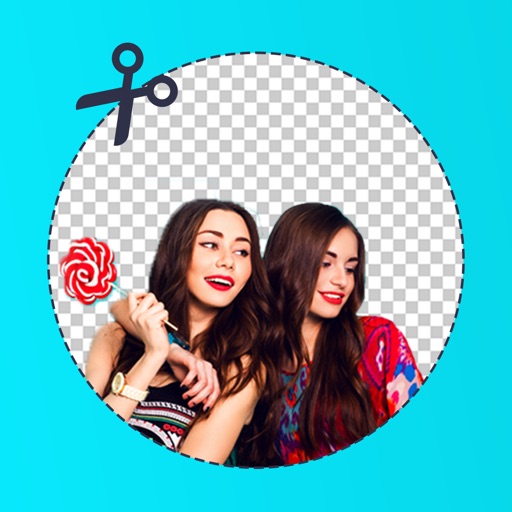
Edit photos by removing backgrounds with mode, object extraction, and quick select tools. Use transparent backgrounds for stamps and collages. Share edited images directly with other apps.
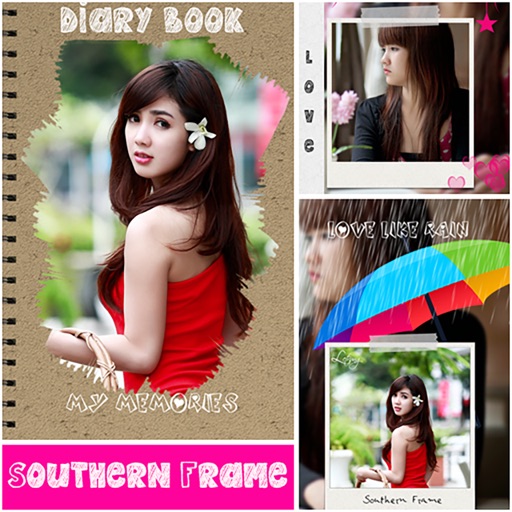
Create collages by adding photos and selecting aspect ratios. Choose landscape or portrait orientation. Add text to the collage. Shuffle for new layouts. Adjust design elements for customized results.
Create photo collages using up to 9 images from the photo album. Choose from multiple layouts and sizes. Display collages on the home screen and adjust refresh intervals. Edit selected and view them directly.