Create sketches in short sessions by selecting images from a library, camera roll, or camera. Adjust image display with pinch, pan, and rotate. Overlay images for reference. Save drawings automatically and review progress over time.
by Kazuaki Matsuda★ 4.04 ratingsGraphics & DesignFreeData updated 2026-09-06
Create and color images of characters, animals, and vehicles. Choose from 9 unique brushes for different effects. Record drawings as animated clips. Edit and share artwork. Switch between and free drawing modes.
The app provides vector drawing tools and flipbook-style animation. Users can create frame-by-frame animations or single-frame vector artwork with various drawing tools and shape options.
Edit images with filters, cropping, and adjustment tools. Resize images by setting width and height. Export multiple images as a single PDF file. Add text and stickers to photos. Save and share edited images directly.
Browse meeting presentations, speaker details, and exhibitor information. View session slides and annotate with drawings and highlights. Take notes per slide and save them online for later access through a personal summary.
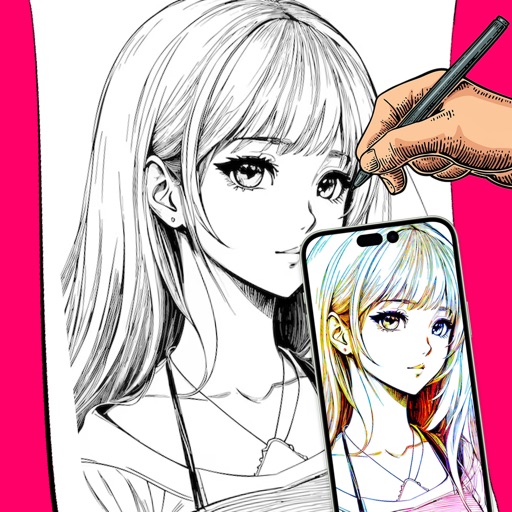
Create digital art using augmented reality features. images from uploaded files or projected visuals for precise sketching. Draw directly on paper with built-in tracing tools. Export artwork in multiple formats and share drawings.
Edit photos with 30+ film effects and 180+ light leak effects. Add dates to images. Edit photos from the Camera Roll. Simulate a 1990s film camera experience.
And puzzle allows users to select from 12 puzzle images or 40 images. Features include 38 colors, 38 regular colors, 9 pencil sizes, and an eraser. Users can save completed colored images.
Create stop motion animations with frame-by-frame control and variable frame rates. Delete single or all frames, play loops, and preview frames. Save animations to Camera Roll or email as flip book images.
Create 3D art using step-by-step tutorials. Access a large collection of drawings and techniques. Learn without prior skills through self-guided lessons. Practice drawing various styles. Export and share finished artwork.
Create and customize drawings using line tools, paintbrushes, and stamps. Access a library of free pages to color and paint. Share completed artwork with family or friends. Draw freely or use pre-designed templates for creative expression.
Sketch and create drawings using brush tools with customizable color palettes. Add stickers, doodles, and charms to enhance artwork. Export and share finished creations in multiple formats.
Pollux Bilisim Teknolojileri Sanayi ve Ticaret Limited Sirketi
Sketch on photos with AR
Use AR to sketch and draw on photos with realistic ink effects. outlines or create pencil sketches from images. Convert photos into artistic drawings with AI-powered tools. Save and share finished artwork directly.
Edit photos by adjusting brightness, saturation, and contrast. Crop, rotate, and apply special . Draw on images, add text, and create graffiti. Share edited photos directly from the .
Create drawings while producing with interactive sound effects linked to each stroke. Adjust sound parameters and customize drawing tools. Save and share artwork with audio accompaniment.
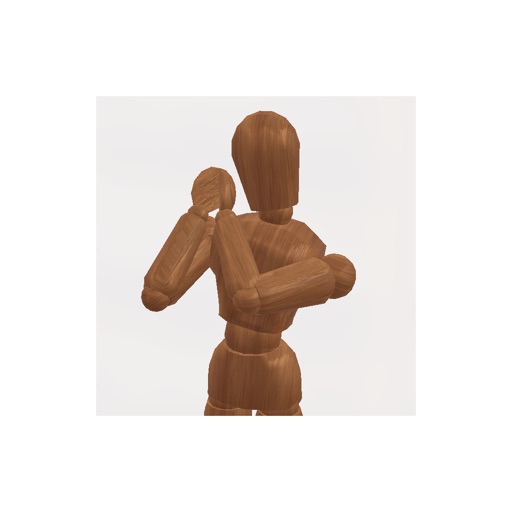
Create pose references for figure drawing using a 3D mannequin . Load and overlay reference images. Save and share poses. Mimic realistic human movement. Supports phones and tablets. Includes indie-developed features with future updates.