Create 3D models and graphics with advanced tools. Import and edit 3D assets. Build environments and mockups. Export in various formats. Supports professional workflows and beginner-friendly features. Syncs with desktop software.
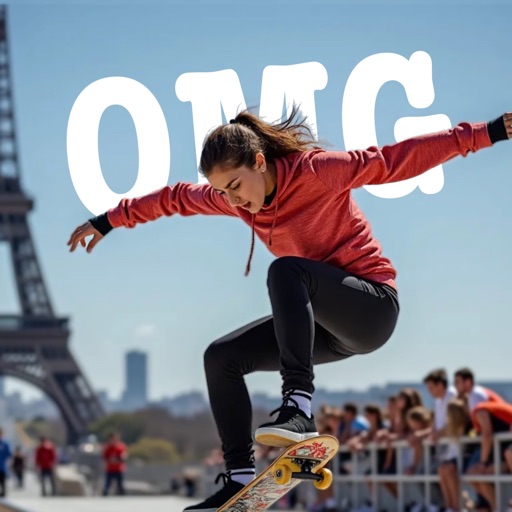
AI-powered placement allows users to embed objects in photos. Customize fonts, sizes, and colors. Adjust position and depth for professional-looking depth effects. Export edited images directly.
Distances and heights using the camera. Calculate surface area and perimeter. Generate 3D models from photos. Use a bubble level and slopes. Perform various geometric calculations with precise camera-based measurements.
Digitize documents like contracts, receipts, and notes into PDF or JPEG files. multiple items at once and combine them into a single PDF. Adjust image clarity and crop edges for better readability. Export and share scanned files directly.
The app displays 3D DXF files, offering features like rotation, panning, and zooming. It provides file information such as dimensions and surface area, and supports loading multiple models for comparison.
The app views 3D Parasolid data files and supports rotating, panning, and zooming. It displays file information, loads multiple models, and includes an unzip function.
The app views 3D IGES data files and provides file information such as size, dimensions, and surface area. It supports loading multiple models for comparison and includes a function to unzip files.
The app views 3D STEP data files and provides file information such as size, dimensions, and surface area. It supports loading multiple models simultaneously and includes a file unzipping function.
View and interact with 3D SKP files. Rotate, pan, zoom, and adjust rendering settings. Choose between surface or wireframe display. Access file details such as size, dimensions, and other metadata.
The app views GZ, RAR, and ZIP archives, along with 3D content from various formats. It handles 3DS, ASE, OBJ, PLY, and STL files natively and supports bitmap formats like DDS, TIFF, and TGA.