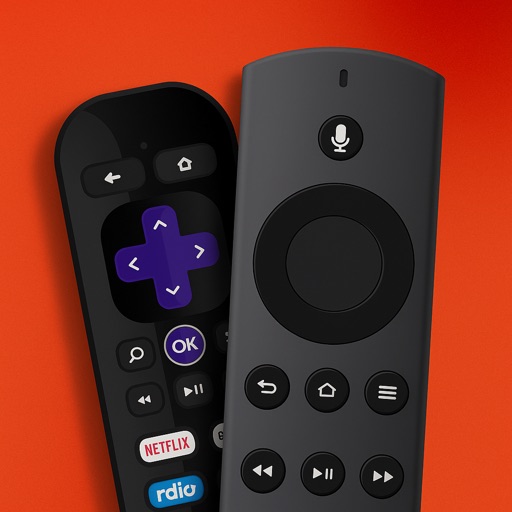
Controller for TV allows users to control Stick and TV devices via Wi-Fi. It detects devices automatically, provides access to all buttons, and includes a large trackpad for navigating menus and content.
Control computers via sharing, trackpad/mouse, and Apple Pencil. Connect using RDP, SSH, Telnet, and VNC. Manage sessions, transfer files, and customize keyboard shortcuts. Supports iOS and Mac devices.
Control your Mac or PC with an iPhone, , or iPod. Use simulated touchpad and keyboard functions. Access panels for media playback, file transfers, and presentation controls. Perform actions like dragging, clicking, and scrolling.
Turn your iPhone or iPad into a Mac with gesture support. Use multi-touch gestures for scrolling, clicking, and navigating. Customize sensitivity and button layout. Works with macOS and iOS devices.
Control devices by connecting to the same Wi-Fi network. Browse and play media content remotely. Adjust volume and navigation with on-screen buttons. Access device settings and manage playback directly from the .
Devices remotely to manage apps and channels. Use a built-in keyboard for searching and browsing. Navigate with advanced features. Access all apps and manage multiple devices with a premium subscription.
Control your Mac or Windows PC with an iPhone, iPad, or Apple Watch. Use as a trackpad, keyboard, or remote control. Perform actions with touch or motion gestures. Access a companion on Apple Watch for additional controls.
Control your TV or streaming device via the . Connect devices to the same WiFi network for automatic setup. Use a trackpad or traditional layout to navigate. Access all installed apps and channels directly.
Control Roku TV remotely via Wi-Fi. Automatically detect TV in the network. Navigate menus and content using a large touchpad. Launch channels directly from the . No complex settings or button piles.
Control your computer remotely by launching applications, adjusting volume, and navigating the Mac filesystem. Customize commands for specific apps, open files, and use keyboard and mouse functions.
Manage your TV with a smartphone . volume, change channels, and open apps. Connect to compatible Smart TVs instantly. Adjust settings and navigate menus directly from your phone.
Turns iOS device into a Wi-Fi trackpad and keyboard. Control Home Theater PC remotely. Supports Windows/Linux with VNC server and macOS with Apple Desktop. Includes multi-touch trackpad and international keyboard.
Control media playback on Mac or Windows PCs via WiFi. Adjust volume, skip tracks, and pause playback. Supports , YouTube, Hulu, Vimeo, and iTunes. Requires computer and installation. No physical needed.