Apps Like His - SmartTV Remote Control for iPhone and iPad
Connect to your models instantly
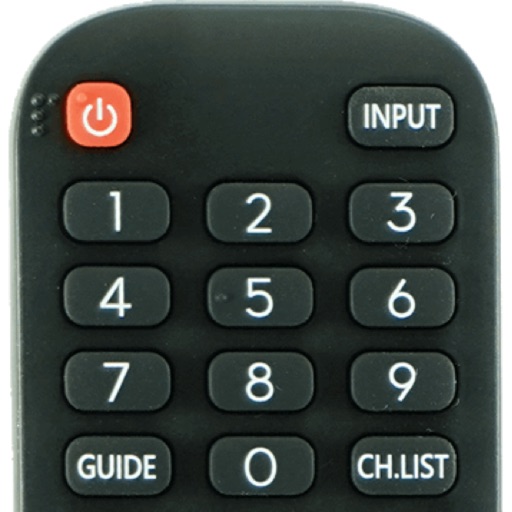
Devices with preloaded models including EN3V39H, 55H6E, and 55R6000E. Access saved profiles for quick use. Navigate with a fast touch pad and keyboard. Use a clean interface to manage device functions without installation.
by Oz Shabbatth★ 4.665 ratingsUtilitiesFreeData updated 2026-09-06
Control compatible network A/V devices remotely. Adjust volume, select sources, and manage playback. View system status and access settings. Navigate with a simplified interface and support for iOS 12 or later.
Control TV power, volume, and channels with single-tap commands. Navigate menus using a built-in keyboard or touchpad. Pair with Apple Watch for remote control. Manage multiple TV brands via WiFi.
Control your air conditioner with real-time adjustments. Turn it on or off, change modes, adjust fan speed, and set temperature. Use timer and sleep mode functions. Works with IR blaster or Wi-Fi-enabled units. Supports multiple AC brands.
Control TV with iPhone or iPad by connecting to the same network. Automatically detect TV and navigate menus, adjust volume, and change channels using on-screen buttons. Support for features like power control and input selection.
Allows users to manage Amazon Fire devices via Wi-Fi without infrared equipment. Switch channels and adjust volume. Use voice commands for Alexa. Cast media and mirror screens with low latency.
Enables AI models to access iOS tools like EventKit and PhotoKit for calendar and photo data. It connects to remote tools via standardized protocols, allowing LLMs to interact with external services and data sources.
Control devices through a secure connection. Access files, run applications, and manage settings on machines. Support for multiple platforms and open-source code. No screen sharing or control features available.
Control Mac from iPhone or iPad as trackpad, keyboard, and . Mirror display and manage 100+ apps. Play web videos in Safari or Chrome with playback control. Share screen for presentations using multitouch trackpad.
Play music playlists and control playback with touch gestures. Connect to Remote for advanced controls. Upgrade to access compatibility with older remote models. Manage settings and queue songs manually.
The app allows control and preview of MediaShout presentations over Wi-Fi from an iPhone, iPad, or iPod Touch. Users can view the main or stage display and control presentations in portrait or landscape views.
Control Media Center remotely via Wi-Fi. Adjust playback, navigate menus, and manage media libraries. Enter IP address to connect. Supports versions Eden (11) and higher. No proximity required.
Your TV with a touchscreen interface. Connect your iPhone to the same Wi-Fi network as your TV for full functionality. Navigate through TV settings and channels using on-screen buttons.