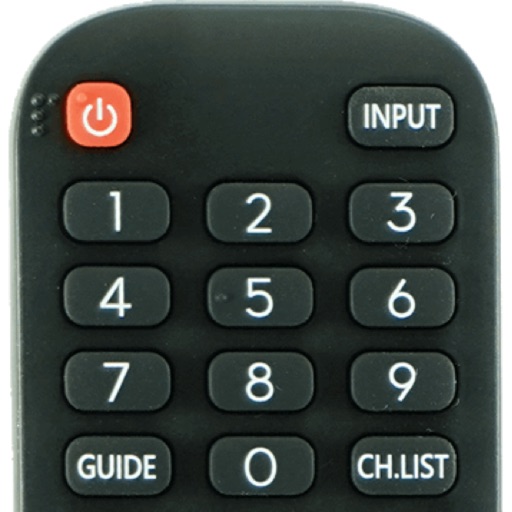
Apps Like His - SmartTV Remote Control for iPhone and iPad
Connect to your models instantly
Devices with preloaded models including EN3V39H, 55H6E, and 55R6000E. Access saved profiles for quick use. Navigate with a fast touch pad and keyboard. Use a clean interface to manage device functions without installation.
by Oz Shabbatth★ 4.665 ratingsUtilitiesFreeData updated 2026-09-06
Control Samsung TV via iPhone or iPad on the same Wi-Fi network. Navigate menus, adjust volume, and use a touchpad for precise movement. Access voice commands and customize button layouts for different TV models.
Control TV with a clean interface, navigate channels, search content, and manage playback. Adjust volume, toggle inputs, and use voice commands. Pair with iPhone or iPad for operation.
Control TV with functions and media playback. Cast photos and videos from Camera Roll. Switch apps and channels. Use keyboard for text input and search. Premium subscription available for enhanced features.
TV functions from a smartphone. Navigate channels, adjust volume, and access settings. Manage input sources and power settings. Pair with multiple TVs. Sync with smart home systems for integrated .
Manage a robotic mower with a virtual boundary system. Set up and activate the device using guided tutorials. Define a working zone by mapping the lawn area. Monitor mower status and control operation remotely.
TV with a touchpad for navigating menus and launching channels. Automatically detects Smart TV on the same Wi-Fi network. Simplifies with a clean interface and direct channel access.
Smart TV functions via smartphone or tablet. Navigate menus, adjust volume, change channels, and manage playback with touch or gesture commands. Access streaming services and customize layouts.
Your TV with your smartphone as a universal remote. Pair instantly via Wi-Fi without setup. Adjust volume, change channels, and navigate menus. Support multiple TV brands. No batteries required. Sync automatically when connected.
TV functions like power, volume, and channel using your iPhone. Select from supported brands including Samsung, Roku, TCL, LG, and Sony. Pair with your TV via infrared or network connection. Adjust settings and manage playback directly from the .
Control devices via Bluetooth connection. Customize preferred settings and adjust intensity levels. Add friends to share experiences. Manage device functions through the interface.
Lets users manage streaming devices via phone. Navigate with swipe-based controls. Connect devices to same Wi-Fi network. Simplify text input with built-in keyboard. Search and input text efficiently. playback and device settings remotely.
Control Samsung TV with an intuitive remote interface. Auto-detects TV and connects via Wi-Fi. Navigate menus, adjust volume, and manage settings. Requires iPhone or iPad on the same network as the TV.
Your TV remotely using an iPhone or iPad. Connect to the same WiFi network as your TV device for automatic detection. Access all functions including power, volume, and channel controls. Adjust settings and navigate menus directly from your device.
Control your LG Smart TV by accessing menus and apps like Netflix, Amazon, and Spotify. Change channels, adjust volume, and schedule recordings. Navigate the TV interface without a physical .
Control VLC media player from a mobile device. Adjust volume, play/pause, skip tracks, and navigate menus. Sync with Mac or PC to manage playback remotely. Customize shortcuts for quick access to frequently used functions.