Create 3D sculptures using augmented reality. Apply textures to surfaces. Combine multiple sculptures into complex designs. Adjust lighting and materials in real time. Export models for 3D printing or sharing.
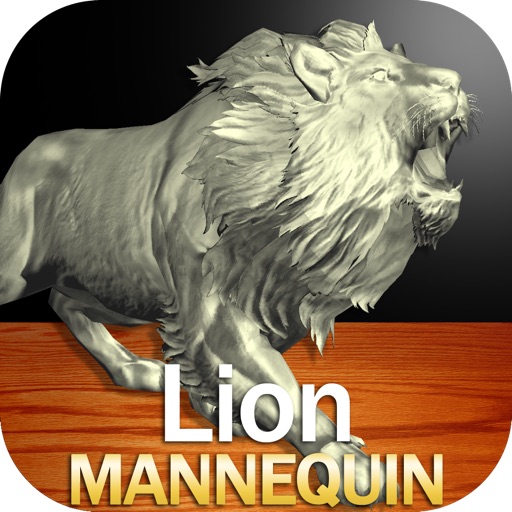
Draw a in any pose by adjusting joints and limbs. Use poseable models and reference tools for accurate positioning. Apply skins for detailed textures. Customize camera angles and backgrounds.
Draw with responsive touch input and customizable brush sizes. Apply sparkle animations while creating art. Save drawings to the device photo album. Share completed artwork directly.
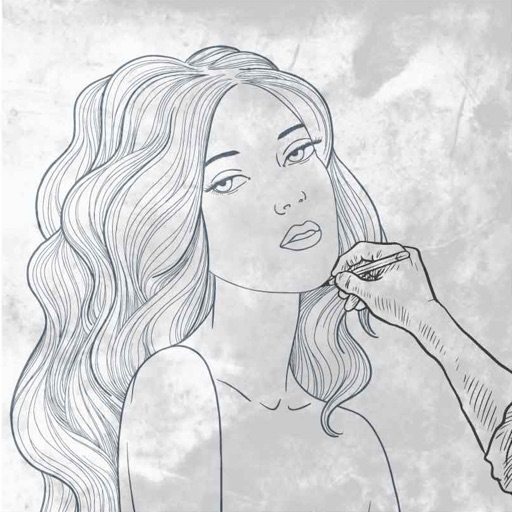
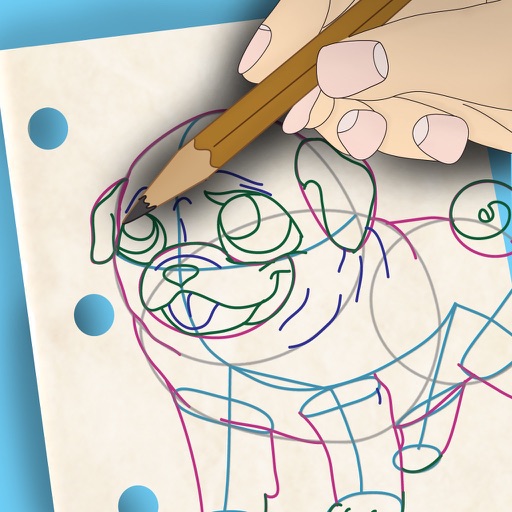
Learn to draw with step-by-step . Bookmark favorite designs. Print blank templates via AirPrint. Prevent screen sleep with a lock button. Practice mindfulness during drawing sessions.
Edit photos with auto and drawing tools. Apply 20+ effects and unique shapes. Zoom for high-resolution details. Use brush offset to avoid finger interference. Preview and adjust focus areas. Export edited images directly.
The app allows users to draw and sketch ideas with an easy-to-use interface. It offers various tools like pencil, line, oval, and rectangle, along with an eraser and undo/redo functionality.
Create drawings by connecting points on the screen to form shapes. Adjust line thickness and color. Save and share completed drawings. Export in various file formats.