Access media assets for club players, including photos and videos. Share content directly to social media. Enable marketing teams to distribute player media with a single click.
by Neptunetriumph, LDA★ 3.421 ratingsUtilitiesFreeData updated 2026-09-06
Create professional images for social media, professional sites, and messaging apps. Upload or capture photos, apply filters, adjust lighting and background, and crop images. Save and share edited profiles directly.
Faces between two images with a single tap. Select and apply pre-designed templates. Adjust facial features and expressions. Save and share edited photos directly.
Edit photos with AI-powered transformations, including meme creation and character swaps. Generate funny images like "future kid" or animal transformations. Share results on social media, save favorites, and send to friends.
Remove unwanted objects from photos using AI-powered detection. Select and erase elements with simple taps. Adjust edges and refine results manually. Export edited images in high quality. Share directly to social media or messaging apps.
Access images and videos from a dash cam via WiFi. Review, crop, and enhance footage. Share content directly or save to device. Export in various formats for evidence or personal use.
Capture, organize, and share child moments privately
Capture and organize photos and videos of children's moments. Share privately within a . Use AI to automatically sort media. Store unlimited content securely. Create free printed books. Sync across devices for easy access.
Remove from photos and videos automatically. Edit the color or upload a new image. Export edited media in original format. Share directly to social platforms.
Add captions, translations, and sound cues to videos. Adjust timing and formatting for different platforms. Include background music and visual effects. Share edited videos directly to social media. Track viewer engagement metrics.
Customize phone wallpaper with VIBE character images. Select and set images as wallpaper with one-click save. High-quality pictures available without hidden conditions. Does not consume much storage space.
Organizes photos and videos into monthly albums automatically. Swipe to delete, keep, or move media. Manages storage by removing duplicates and outdated files. Allows manual sorting and folder creation.
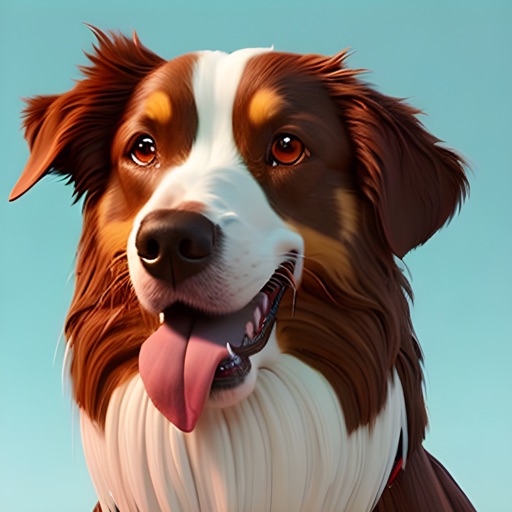
Create AI-generated images of your dog in various styles and scenarios. Upload a photo to generate visualizations. Share images on social media platforms like Instagram and Facebook. Choose from multiple artistic styles.
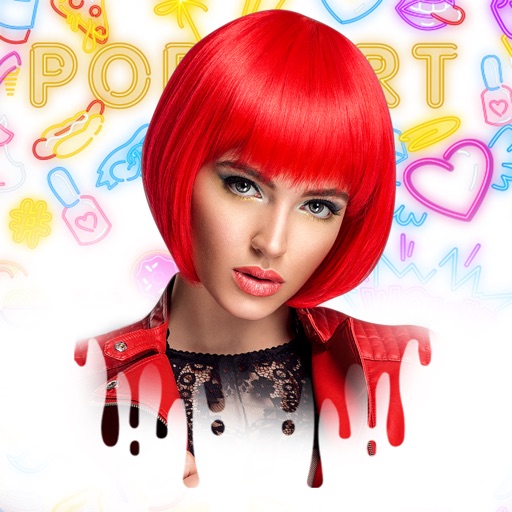
Edit photos with and reshaping tools, skin smoothing, and blemish removal. Apply subtle aesthetic filters. Edit selfies quickly for social media. Use AI to enhance facial features and overall appearance. Export edited images in various formats.
Upload a and select from pre-designed AI styles to generate studio-quality images. Edit generated photos with cropping and filters. Share the final output directly to social media.
Hide private photos and videos from unauthorized access. Take and import media using the built-in or photo library. Import and export files via iTunes File Sharing. Share selected media directly to social media platforms.
Create art effects with one-click auto generation. Edit photos with filters, cutouts, background erasing, and changing. Blur images and adjust colors. Share edited photos directly to social media.
Faces in photos and videos with a single tap. Use AI to generate realistic swaps quickly. Choose from multiple templates to customize results. Export edited content directly to social media platforms.
Capture 360 photos and videos using a camera. Edit media, browse community content, and refine selections. Share 360 media directly to social platforms. Go live in 360 on supported sites or custom platforms.
Create posters, flyers, and social media stories using AI-powered design tools. Choose from thousands of templates. Customize colors, text, and images. Export and share designs directly. No design experience needed.
Resize images to standard resolutions for social media, presentations, or printing. Adjust dimensions manually or use predefined options. Support multiple formats including JPG, JPEG, PNG, PDF, TIFF, BMP, GIF.