Copy text from notes to the pasteboard for use in other apps. Organize notes into folders for different purposes. Concatenate selected notes and copy them as a single text. Sync notes and folders across devices via iCloud.
Encrypt and protect photos, videos, and files with passcodes, face ID, or touch ID. Set fake passcodes and screen locks. Enable break-in alerts and recently deleted recovery. Backup data to the cloud and sync across devices.
Create files with .webloc or .url extensions for current websites. Save them to cloud storage drives on iOS. Organize bookmarks as separate files alongside other project-related documents. Share bookmarks via the browser's share menu.
The app sorts files into subfolders using 22 built-in rules or custom user-defined rules. It offers one-click organization and reversible actions with instant or historical undo capabilities.
, , and files with Face ID or Touch ID. Lock sensitive content with encryption. Protect contacts and documents. Access private media securely without affecting the public gallery.
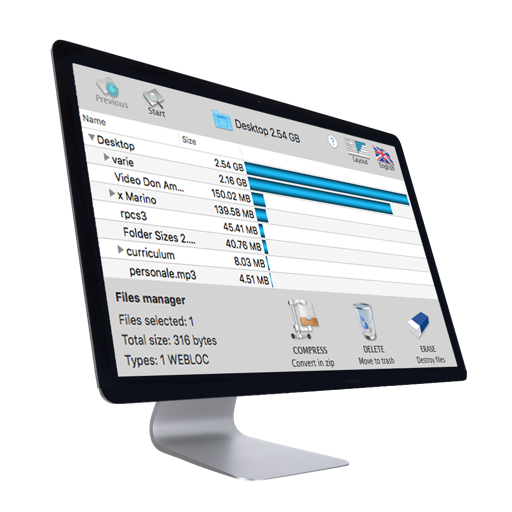
The app offers multitasking file management with 3-finger swipes for quick task switching. It supports various file types, cloud services, and includes features like a document reader, text editor, and zip archiver.
Create icons with adjustable transparency and color for Mac, iPhone, iPad, and Watch. Select multiple devices and export ready-to-use icons for . Drag and drop directly into projects.
Store private photos, videos, notes, contacts, and audio in a password-protected folder. Enable break-in photos for failed login attempts. Receive email reports with intruder photos and GPS locations.
Manage tasks with a to-do and separate done . Add items via a plus button. Edit or delete entries using a menu icon. Search for items and reorder with a long press. Customize tap actions and disable checkboxes.