
ToDo: Simple ToDo List
Add tasks, edit, delete, track progress
enoiu
iPhone Screenshots



Description
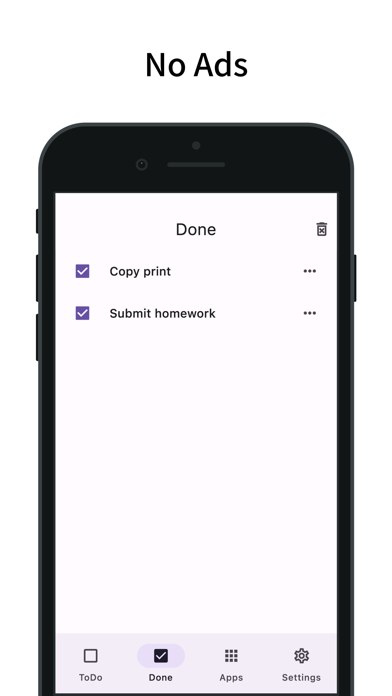
Manage tasks with a to-do and separate done . Add items via a plus button. Edit or delete entries using a menu icon. Search for items and reorder with a long press. Customize tap actions and disable checkboxes.
Free and No Ads simple to-do list
Functions/Features
- Simple ToDo List
- Free and No Ads
- Separate ToDo list and Done list
- Add ToDo by pressing the plus button
- Press the menu icon on the right of the list to edit/delete
- Delete all by pressing the trash can button on the top right of Done list
- Search function
- Long press to reorder
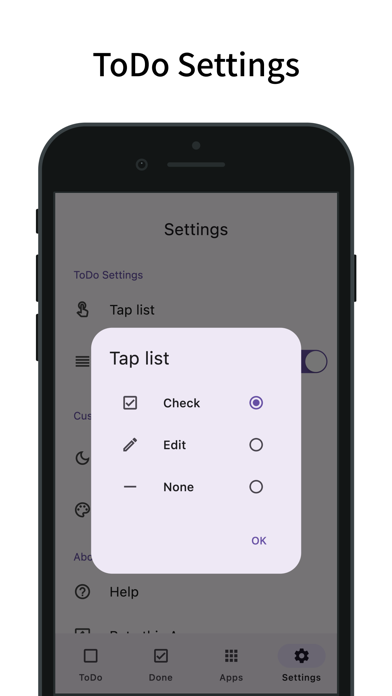
- List tap operation setting (check/edit/none)
- Ability to disable checkboxes
- Select whether to add from the beginning or end of the list
- Turn on/off reordering function
- Customization (dark mode, theme colors)
- Simple design based on Material Design