Apps Like PDF Editor - Read & Edit PDF for iPhone and iPad
PDFs, add notes, and sign documents
PDF files by adding text, annotations, and highlights. Merge multiple PDFs into one document. Customize formatting and rearrange pages. Save and share edited files in various formats.
by Zipo Apps Ltd.★ 4.3182 ratingsUtilitiesFreeData updated 2026-09-06
Create PDF documents from scanned pages or photos. Edit files with cropping, color adjustment, and text recognition. Reduce file size and add signatures or drawings. Organize documents using a filing system and share files directly.
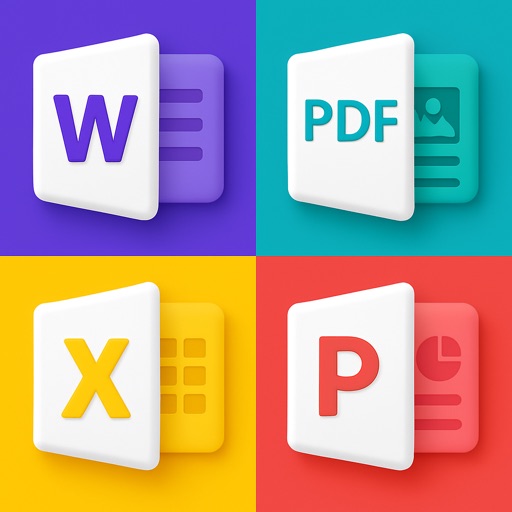
Convert PDFs to Word, Excel, PPT, and image formats while retaining original layouts. Extract text from scanned PDFs using OCR in English, Chinese, or Japanese. Annotate documents with highlights, handwritten notes, and e-signatures.
Manage files with an image browser supporting JPG, JPEG, PNG, BMP, GIF, and other formats. Edit text with adjustable size and hundreds of fonts. Preview office documents including Word, PPT, Excel, Pages, Keynote, Numbers.
Effortless PDF annotation and collaboration tools.
The app offers effortless PDF annotation with an intuitive interface. It provides fast document review using a thumbnail sidebar and supports sharing annotations with other users.
Convert photos, documents, spreadsheets, and presentations into PDFs. Edit and annotate PDFs. Merge files, split pages, and extract text. Share documents via email or cloud services. Organize files into folders and apply tags for easy access.
PDF files into one document with fast merging speed. Combine multiple PDFs without losing content or quality. Split PDFs into individual pages. Securely save and share merged files. Edit text and add comments within PDFs.
Scan documents, receipts, and notes using OCR to extract text. Save scans as PDF or JPEG. Share files directly or export text for reuse. Organize scanned items into folders. Edit and annotate scanned images.
Import Chinese ePub, add romanization and translation,
Convert ePub files in Simplified or Traditional Chinese to include romanization lines (pinyin, Sidney Lau, Yale) and native language lines (English, Spanish). Export as PDF.