Edit and format Word documents with text styling, headers, footers, and tables. Insert images and charts. Save and share files. Collaborate in real time. Access advanced formatting tools and document templates. Export to PDF and other formats.
by SoftMaker Software GmbH★ 4.7420 ratingsProductivityFreeData updated 2026-09-06
The app offers RTF and PDF editing capabilities with iCloud synchronization across devices. It supports RTF creation and editing with various styles, sizes, and colors, alongside PDF viewing, creation, and annotation.
The app discovers KYOCERA printing devices on a local Wi-Fi network. Users can print photos and documents, scan to their device, and send email attachments.
Word documents to PDF with full font support including Unicode, Indian, Arabic, Brazilian, and special fonts. Edit and view PDFs without font errors. Save and share converted files directly.
Convert photos or documents to PDF with automatic edge detection and multi-page support. Import images from gallery or PDF files. Edit scanned documents, add annotations, and export in various formats.
Documents, receipts, and notes to create PDF or JPG files. Use OCR to convert text from images. Edit scanned text and convert handwriting to text. Restore old photos and ID cards or passports. Share or save files in PDF, JPG, or TXT formats.
Convert documents and web pages to PDF. Merge multiple files into one PDF. Save photos, spreadsheets, and presentations as PDFs. Export to various formats and share directly.
Open and read XPS and OpenXPS documents. Access document outlines, page thumbnails, and search text. Convert XPS and OXPS files to PDF. Share converted PDFs with any PDF viewer.
The app allows users to save smartphone pictures and videos directly to the NAS. It supports streaming videos and music, and viewing various file types including photos and Microsoft documents.
Edit text documents with rich formatting, support for RTF, TXT, and HTML files. Save and share documents via cloud services or "Open In." Export to HTML and share files directly.
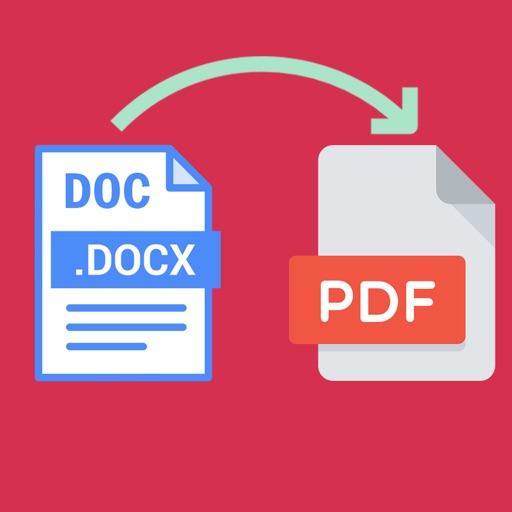
Convert documents to PDF by selecting the file and initiating the conversion process. Supports .doc and .docx formats while maintaining original layout. Features an intuitive interface for straightforward use.