
iPhone Screenshots




Description
Smart PDF Studio is your all-in-one document powerhouse for macOS — designed to simplify how you convert, manage, and edit your files. Whether you're working with PDFs, Microsoft Office files, images, or translations, Smart PDF Studio brings professional-grade tools into one sleek and easy-to-use app.
Convert Effortlessly
Easily convert your documents between formats:
Convert Word, Excel, and PowerPoint files to PDF instantly.
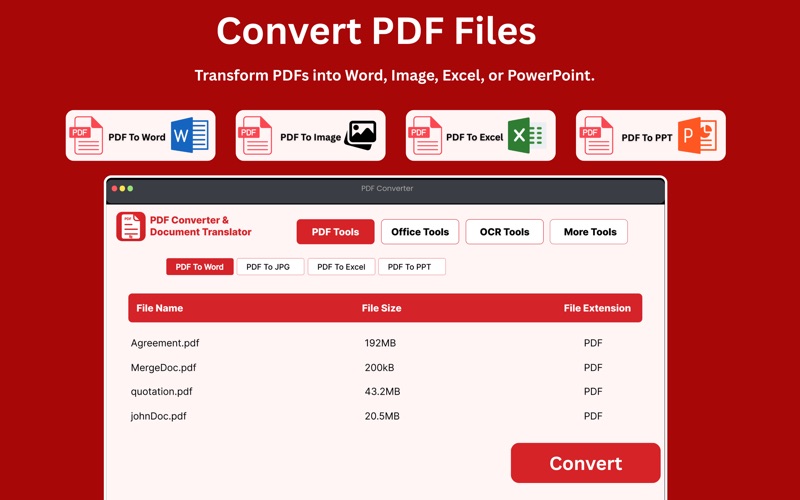
Convert PDFs back to Word, Excel, PowerPoint, or images (JPG, PNG) without losing layout or quality.
Export any document into multiple formats at once — perfect for sharing, archiving, or editing.
Powerful PDF Tools
Take full control of your PDFs with built-in tools:
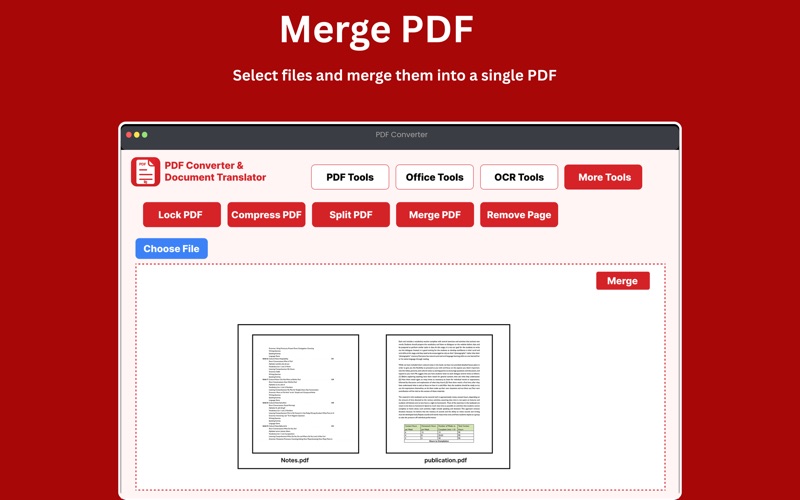
Merge PDFs: Combine multiple files into one organized document.
Split PDFs: Extract specific pages or sections easily.
Compress PDFs: Reduce file size without sacrificing clarity.
Remove or Delete Pages: Clean up your files by removing unwanted pages.
Lock & Unlock PDFs: Add password protection or remove restrictions for easier sharing.
Translate and Summarize
Use advanced AI translation to understand and repurpose your content:
Translate text within PDFs, Word, and image files into multiple languages.
OCR (Optical Character Recognition) lets you extract and translate text from scanned files or photos.
Multi-File Conversion
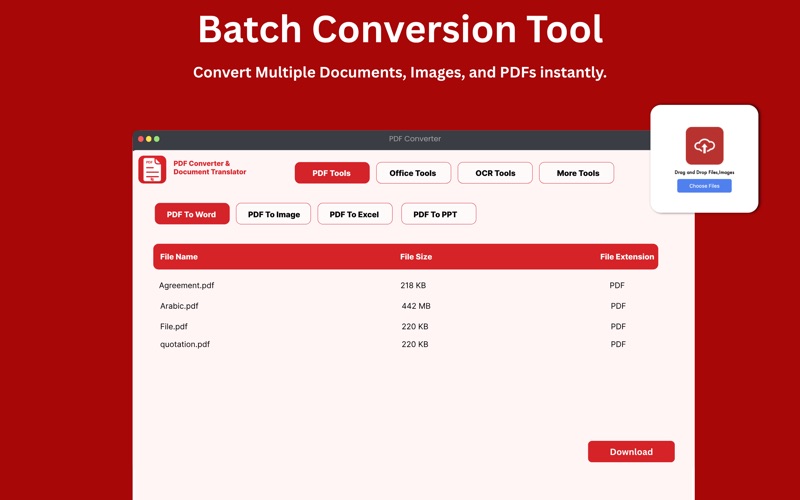
Convert, merge, and process multiple files at once — saving time and boosting productivity. Drag and drop your files, choose your output format, and let the app handle everything automatically.
Perfect For
Students managing study materials
Professionals organizing office documents
Translators and researchers working with multilingual files
Anyone looking to simplify daily document handling
Supported Formats
PDF, DOCX, XLSX, PPTX, JPG, PNG, TXT, RTF, HTML — and more.
Seamlessly move between formats and keep every document ready for editing or sharing.
Secure and Private
Your files stay on your device. Smart PDF Studio prioritizes privacy and ensures your data remains safe and confidential.
Subscription Details
Subscription payments will be charged to your iTunes account upon purchase confirmation and at the start of each renewal term. Subscriptions with a free trial period will automatically renew to a paid subscription unless canceled. To avoid charges, cancel your subscription or free trial in iTunes settings at least 24 hours before the end of the current subscription period. The cancellation takes effect the day after the last day of the current period, and you will be downgraded to the free service. Any unused portion of a free trial will be forfeited when you purchase a premium subscription during the trial period.
Terms of Uses:
https://sites.google.com/view/dfapps/terms-of-use
Privacy Policy:
https://sites.google.com/view/dfapps/privacy-policy