Turns any screen into a customizable clock interface. Displays time, date, and weather. Supports multiple time zones. Allows full-screen mode and widget customization. Runs continuously in the background. Syncs with device settings and notifications.
by Christopher Benjamin★ 5.02 ratingsUtilitiesFreeData updated 2026-09-06
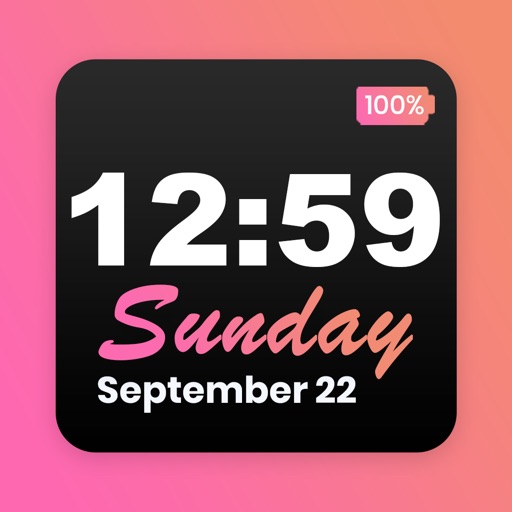
Customize home screen with featuring font, theme, and background options. Set clock with battery percentage, date, and time. Quickly install and configure for iOS 14+ devices.
Display time in animated hexadecimal code with continuously moving values. Customize colors and themes. Set alarms and timers with visual feedback. Sync with other devices for shared timekeeping.
Manage time with customizable styles and switch between 12/24-hour formats. Toggle portrait/landscape view and adjust brightness in-. Sync with iPhone/iPad and enable second show/hide features.
Display content in windows for multitasking. View PDFs, texts, and documents in read mode. Preview photos and videos in media mode. Use timer functions for clock, countdown, and stopwatch. Switch between browser tabs and windows.
Track time with customizable notifications. Choose from various sounds like beeps, chimes, or spoken words. Set custom messages to display on the screen. Specify exact times for alerts, including hours, half-hours, or custom intervals.
Allows users to switch between page turning and displays. It includes a stopwatch, countdown, and Pomodoro timer. Users can set countdown days and anniversaries. Customizable font colors, sizes, and background colors are available.
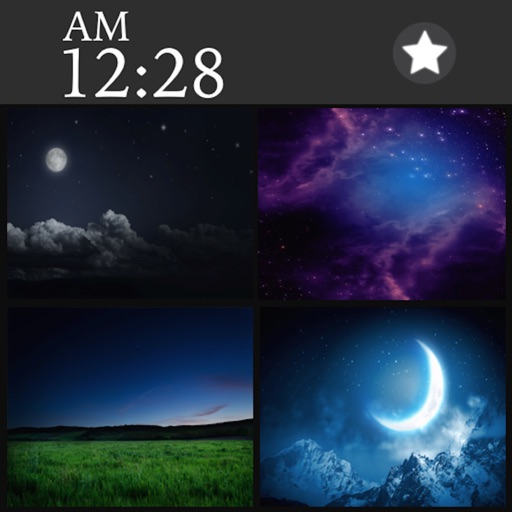
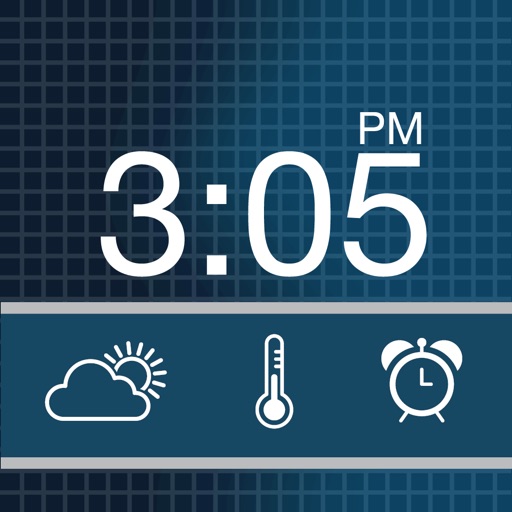
The app transforms a device into a nightstand alarm clock with custom themes and music alarms. It displays weather conditions with custom icons and offers a snooze feature with a countdown.
Set alarms with customizable sounds and 24/12 hour format. Display time in a large red LCD style with Retina clarity. Use big buttons for easy interaction. Syncs with iPhone settings automatically.
The app offers a unique visual experience with rotating clock hands. It allows users to interact with time through sliding gestures to explore different digits.
Set alarms for minyan and . Choose or record custom ringtone sounds. Test notifications to confirm setup. Enable repeat alarms and remove ads for a premium experience.
Display a with customizable colors and fonts. Toggle between 12-hour and 24-hour formats. Show seconds and date. Switch between dark and light modes. Rotate in landscape or portrait orientation.
Display current time, date, day of the week, and battery percentage on home screen. Customize and themes with multiple background and font options. Choose from three sizes. Add to home screen and update as needed. Requires iOS 14.