
Split Screen - Floating Apps
Display content in windows
Guangdong Wuji Network Technology Co., Ltd.
iPhone Screenshots


Description
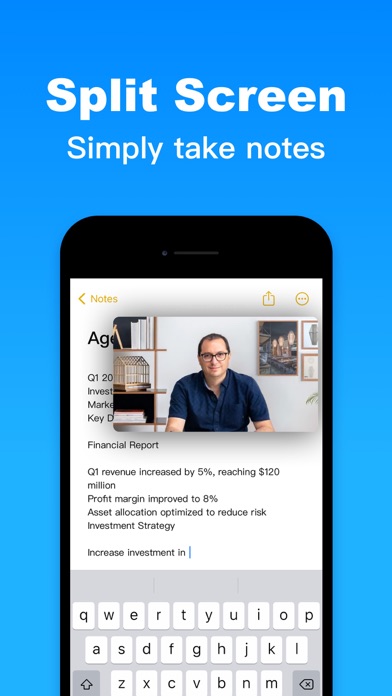
Display content in windows for multitasking. View PDFs, texts, and documents in read mode. Preview photos and videos in media mode. Use timer functions for clock, countdown, and stopwatch. Switch between browser tabs and windows.
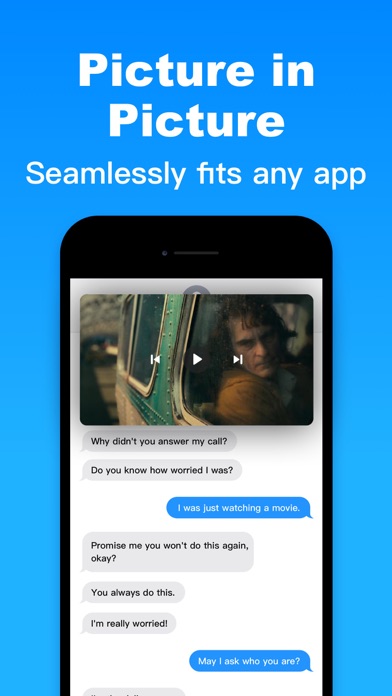
Split Screen is the perfect PiP(picture in picture) floating display app for iPhone and iPad. You can easily use the PiP mode to display the message you want to express in a floating window. Split Screen can meet your needs, and display any content through a mini window on your phone screen, such as:
- Display PDF, TXT, WORD, and PPT files on Read Mode
- Display Photos, Videos on Media Mode
- Display Clock, Countdown, Stopwatch on Timer Mode
- Multitask with windows and tabs on Browser Mode
Read Mode supports manual / automatic page turning.
Auto-Renewal Subscription Terms
Confirm subscription: Payment will be charged to iTunes Account at confirmation of purchase.
Manage subscriptions: Users can manage or unsubscribe in iTunes & App Store account management in the phone system settings.
Auto-renewal: Subscription period is 1 month ($0.99 USD) or 1 year ($6.99 USD). Apple iTunes account will be charged for renewal within 24-hours prior to the end of the current subscription period. To cancel the renewal, please manually turn off auto-renew at least 24 hours in advance.
Privacy Policy: https://5season.top/pip/my-privacy
User Agreement: https://5season.top/pip/my-terms/
EULA: https://www.apple.com/legal/internet-services/itunes/dev/stdeula
If you have any questions or suggestions, please contact us while feedback in the app.