Edit PDF files by filling forms, highlighting text in multiple colors, and annotating sections. Save and share modified documents. Scan physical documents into PDFs using the built-in camera scanner.
by Silver Elm Systems LLC★ 4.914 ratingsBusinessFreeData updated 2026-09-06
Edit PDF documents with annotations, text, and formatting tools. Convert files between PDF, Word, JPEG, and image formats. Scan documents and convert to PDF with OCR technology. Manage and organize files across iPhone, iPad, and Macbook.
The app provides a paperless solution for airlines and crew, allowing pilots to replace paper documents with electronic versions on an iPad. It supports various file types and offers features like document search, selected, and messaging.
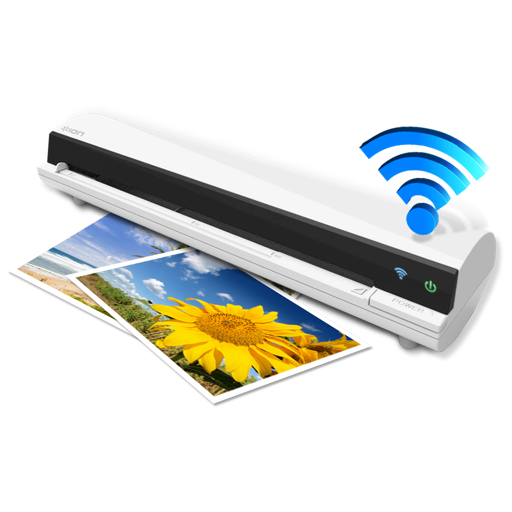
The app works with the ION Air Copy hardware, a portable Wi-Fi scanner. It scans photos, receipts, business cards, notes, and documents up to US Legal size directly to a Mac, then shares them via email or social networking.
The app allows users to edit PDF files by adding text, images, check marks, cross marks, and signatures. Users can fill out forms, sign documents, and manage added elements.