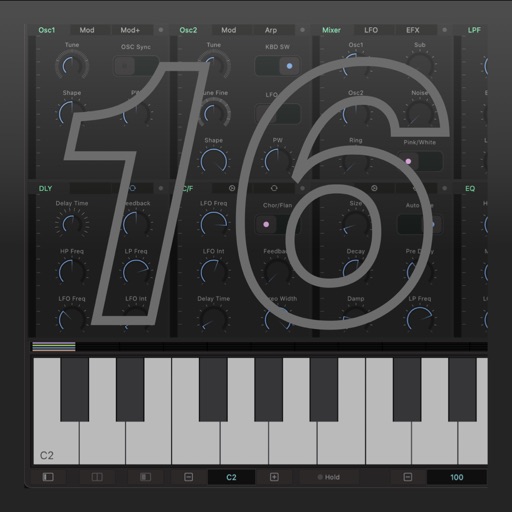
Create and manipulate sounds using wavetable and subtractive oscillators. Apply flexible filtering and post-processing effects. Use advanced modulation sources for complex sound design. Access an intuitive interface for easy navigation and control.
Create chord progressions by clicking on the circle of fifths. Practice musical sequences in 4-12 measures across all 12 keys. Choose from various grooves and repeat progressions for practice. Export or share created sequences.
The app provides a practice tool for learning musical chords and scales. It answers questions about note relationships, scale construction, and chord identification across various instruments.
Explore and with interactive virtual and staff notation. Play and ascending, descending, and harmonically. Adjust root notes and inversions. Compose songs by arranging and progressions.
Create and edit music with a multi-track sequencer. Record and adjust patterns in real-time with quantization and undo options. Use an integrated drum sampler with individual effects and XY pads. Load external AUv3 instruments and effects.
Find and play guitar scales and chords for pedal and lap guitars. Support multiple string configurations and tunings. Add custom pedal and lap tunings. Display chord diagrams and scale patterns. Save and share user-created tuning setups.
The app provides a complete retro analog synthesizer sequencer. It includes a sequencer with unlimited tracks and a piano roll editor, alongside a tracker editor for note entry and editing.
Control MIDI hardware synths and effects with 8 assignable MIDI CC ribbon pads. Record and loop finger movements for organic modulation. Assign unique MIDI channels and CC numbers to each ribbon for custom control.
Learn , , and modes in any position using a fully functional simulator. Play interactive games to master theory. Use backing tracks, metronome, and record riffs. Customize settings including fretboard size and left-handed support.