Create short videos from photos using AI-generated animations and 3D figures. Choose from various styles and effects. Edit length and add music. Share directly to social media platforms.
For pre-school offers animated tools like pencil, felt-tip pen, brush, and glitter. Save completed drawings to the gallery. Encourages creativity and fine motor skill development through interactive activities.
Create by tracing virtual projections of photos on paper, easels, or any surface. Adjust drawing tools for precision. Learn drawing techniques with guided tutorials. Save and share finished pieces. Sync drawings across devices.
The app provides vector drawing tools and flipbook-style animation. Users can create frame-by-frame animations or single-frame vector artwork with various drawing tools and shape options.
Create with an infinite canvas for spatial thinking. Draw connections between ideas. Organize content through hand-drawn sketches and text. Export in multiple formats and share directly.
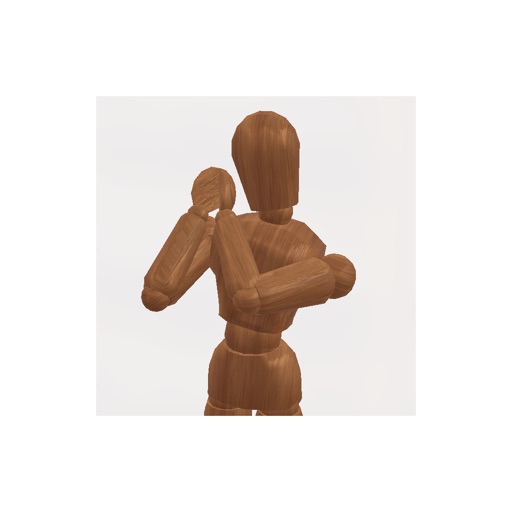
Create pose references for figure drawing using a 3D mannequin . Load and overlay reference images. Save and share poses. Mimic realistic human movement. Supports phones and tablets. Includes indie-developed features with future updates.
Create digital art using augmented reality features. images from uploaded files or projected visuals for precise sketching. Draw directly on paper with built-in tracing tools. Export artwork in multiple formats and share drawings.
Create pixel art sprites with drawing tools and a powerful engine. Open and edit pixel art files from Files. Use iCloud Drive for cloud storage. Support Apple for precise input. Import and customize color palettes.
Learn alphabets, numbers, colors, and shapes through interactive lessons. Explore topics like fruits, animals, and days of the week with visual aids. Practice spelling with shuffle games.
And puzzle allows users to select from 12 puzzle images or 40 images. Features include 38 colors, 38 regular colors, 9 pencil sizes, and an eraser. Users can save completed colored images.
Create and customize drawings of an with poseable joints and adjustable limbs. Select from various skins and backgrounds. Adjust camera angles, zoom, and lighting. Use animations to guide realistic poses and movements.
Teaches letter shapes and pronunciation. Guides correct letter formation with step-by-step strokes and direction. Includes difficulty levels for assisted . Helps recognize and practice pre-cursive and print block handwriting.
Create instant-film style photos from uploaded images. Choose templates, backgrounds, and seasonal themes. Let AI combine elements into realistic portraits. Save and share generated photos.