Apps Like Cut & Paste Photo Editor for iPhone and iPad
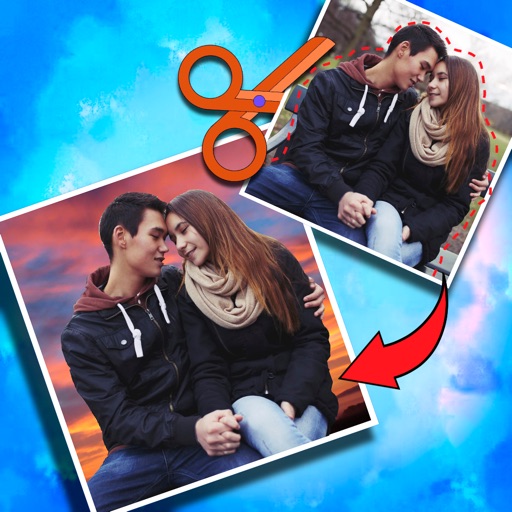
Crop photos and on new backgrounds
Crop photos and save individual cropped sections for later use. Combine cropped images with backgrounds or other photos to create new compositions. Apply filters to enhance the visual appearance of edited images.
by Koruskan SC★ 4.239 ratingsPhoto & VideoFreeData updated 2026-09-06
Create images from text descriptions with AI-generated portraits, characters, and scenes. Edit photos by describing desired changes like removing objects or swapping backgrounds. Transform images into various visual styles using AI prompts.
Arthur Eduardo Skaetta Alvarez Desenvolvimento de Software LTDA.
Create ID with AI framing and background
Create professional ID by auto-framing and cropping images to specified dimensions. Remove and replace backgrounds with a single tap. Export as digital files or print at required sizes.
Objects, people, or blemishes from photos. Edit backgrounds and save as PNG or JPG. Crop images, add text, filters, logos, or watermarks. Use one-click background removal and clipping tools.
Enhance photos with brightness, contrast, and saturation adjustments. Apply , add stickers, frames, and splash. Crop, rotate, flip, and remove red eye. Draw and paint on images. Add text with multiple fonts. Tilt shift and focus available.
Edit photos with blur background settings, shattering effects, and color frames. Add overlays and crop, rotate, or flip images. Import from gallery or camera, and share edited photos to social media.
Remove similar color backgrounds from images and save transparent versions to the camera roll. Erase using finger or wand tools. Zoom and rotate with two fingers. Crop photos and share to other apps.
The app allows users to adjust image sizes by importing from the photo library, camera, or clipboard. It helps users correct image sizes for design projects and preview pixelation at different scales.
Edit photos with customizable wing designs and shape transformations. Add filters, adjust brightness and contrast. Save and share edited images directly.
Edit photos with filters, effects, and shapes. Add text and stickers. Crop and adjust images. Share directly to social networks. Apply pre-designed styles for modern looks.
The app allows users to combine multiple photos into one framed picture. Users can adjust contrast, brightness, and saturation, add text, and apply effects.
Edit photos by swapping faces into scenes and posters. Search for movies or TV to find swap-ready images. Adjust facial features for seamless integration. Save and share edited results directly.
Edit photos with unblur, object removal, and background cleanup tools. Apply AI filters, artistic styles, and motion effects. Create photo animations with one tap. Export and share edited images directly.
Edit photos with 400+ artistic filters and effects. Apply oil painting, graffiti, sketch, and pop art styles. Adjust colors and textures. Save and share edited images directly.