Apps Like Cut & Paste Photo Editor for iPhone and iPad
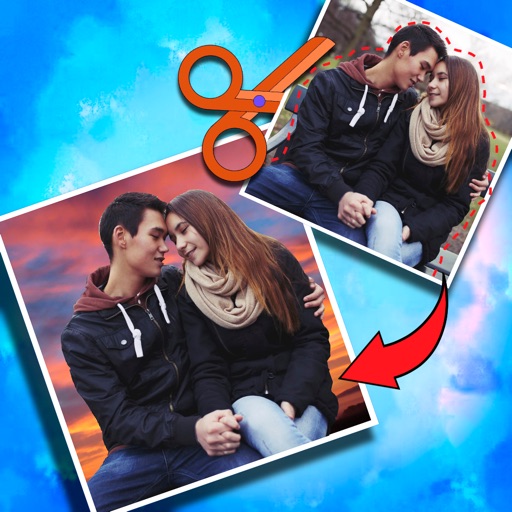
Crop photos and on new backgrounds
Crop photos and save individual cropped sections for later use. Combine cropped images with backgrounds or other photos to create new compositions. Apply filters to enhance the visual appearance of edited images.
by Koruskan SC★ 4.239 ratingsPhoto & VideoFreeData updated 2026-09-06
Edit photos with effect and features. backgrounds and apply black-and-white conversion. Select areas for contrast. Zoom with two-finger pinching. Adjust brush size, opacity, and offset. Export edited images.
Upload photos directly to Instagram, Facebook, and other social networks without cropping. Choose a background and share instantly. Save photos to device for later sharing. Create images without resizing.
Edit and enhance grayscale photos with 20 predefined presets and custom adjustments. Apply vignette effects and modify color channels. Save personalized presets. View and share monochrome images directly.
Create digital collages using images from your photo library. Crop and remove solid backgrounds from photos. Rotate, resize, and reposition images. Adjust background size and tint. Experiment with creative arrangements for digital art.
Edit photos with , , and AI cutout tools. Apply neon, glitch, and overlay . Add doodles, artistic text, and fun stickers. Share edited photos directly to Instagram, WhatsApp, Facebook, and Messenger.
Convert photos to and with one tap. Apply various monochrome filters for different styles. Adjust brightness, contrast, and grain. Crop and resize images. Save and share edited photos directly.
Photos by importing from camera roll. Apply effects and frames. Adjust brightness, saturation, and contrast. Crop, rotate, and straighten images. Add text, stickers, and draw. Sharpen, blur, fix red eye, remove blemishes, and whiten teeth.
Frame photos with customizable for social media. Add text, stickers, and inspirational fonts. Share edited photos directly. Access themed frame packs for different occasions. Edit images with text and creative color options.
Crop photos using a cropping tool. backgrounds and unwanted objects with an eraser tool. Select areas to erase and create transparent backgrounds. Edit images for white or clean backgrounds. Export edited photos and create stickers.
Take photos or choose existing images. Adjust and crop the photo. Add holiday-themed objects like hats, trees, and glasses. Apply Christmas-themed effects and frames. Share the edited photo on Facebook, Twitter, or via email.
Remove backgrounds from photos using AI-powered auto-detection. Cut out subjects with one touch. Export as high-quality PNGs with transparent backgrounds. Edit images by adjusting edges and refining details. Save and share edited files directly.
Edit photos with filters, effects, and auto retouching. Apply unique styles and vintage looks. Adjust brightness, contrast, and saturation. Add text and stickers. Export and share edited images directly.
Take selfies or select from the photo library. Apply single-tap filters for self-portraits. Save photos and share to Twitter or Facebook. Includes self-timer and professionally designed effects.