Apps Like Retouch: Object Removal for iPhone and iPad
Remove unwanted objects from photos
Remove unwanted objects from photos using AI-powered image processing. Edit blemishes, erase lines or wires, and eliminate scratches. Delete any elements not desired in the image. Save and share the edited photos.
by Alexey Tataurov★ 4.3134 ratingsPhoto & VideoFreeData updated 2026-09-06
Edit photos with AI-powered deblurring and detail preservation. Remove stains and noise from black-and-white images. Repair scratches and folds using AI reconstruction. Enlarge low-res photos up to 8x without losing detail.
Edit photos with texture overlays and film effects. Add retro vibes, glitches, and grain. Adjust brightness and contrast. Export and share edited images directly.
Restore old by removing scratches, stains, and blur. Enhance clarity and fix color degradation. Convert black-and-white images to color. Adjust brightness, contrast, and sharpness. Share edited via social media or email.
Audio from videos with one tap. Trim clips, add background music, and create GIFs. Preview edits in real time. Export videos in various formats. Share directly to social media or save as live wallpapers.
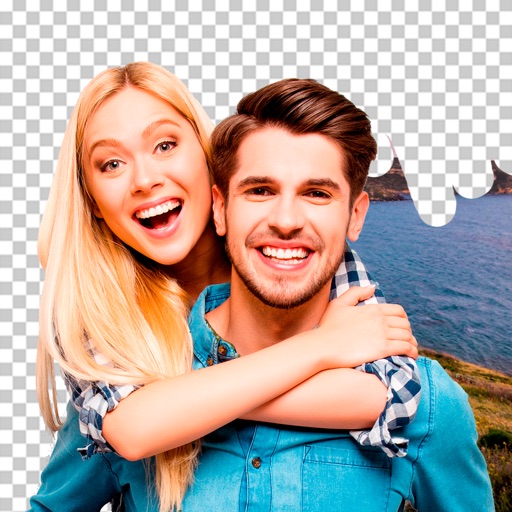
Remove backgrounds from photos using AI-powered tools. Automatically cut out subjects with one tap. Adjust edges and refine details manually. Export edited images in various formats. Share directly or save to device storage.
Create artworks using AI to generate detailed images in various styles. Adjust colors, add text, and apply filters. Edit photos with face touch-ups and background changes. Transform images with AI-based enhancements.
Remove backgrounds from photos using AI to detect and isolate objects. Change backgrounds with gradient options or custom colors. Save edited images to the photo library and share them on social media.
The app allows users to create stop-motion videos with project management, camera features, and an editing panel. Users can set frame rates, add sound, and render videos in various resolutions and formats.
Edit photos by removing objects and changing backgrounds. elements to create montages. Adjust transparency and replace backgrounds. Save and share edited images directly.