
Mute Video : Remove Sounds
Edit videos, audio, add music
Hardik Dhameliya
iPhone Screenshots




Description
Audio from videos with one tap. Trim clips, add background music, and create GIFs. Preview edits in real time. Export videos in various formats. Share directly to social media or save as live wallpapers.
Welcome to Mute Video : Remove Sounds – The Ultimate Video Sound Editor for iPhone
Mute Video : Remove Sounds is a powerful yet easy-to-use video editor for iPhone designed to help you mute video, remove audio, trim clips, add music, and create stunning content like live wallpapers and GIFs. Whether you’re a content creator, vlogger, influencer, or everyday user, this app gives you fast, high-quality video editing tools in one place.
With just one tap, you can remove sound from video, preview the result, and save it directly to your Photos — no watermark, best quality output.
Mute Video & Remove Audio Instantly
Easily mute selected videos or remove unwanted audio from any video. Select videos from Camera, Photos, or Files, mute them in seconds, and save or share instantly.
- Remove sound from video
- Create silent videos
- Voice mute & audio remover
- One-tap mute video tool
Trim, Cut & Edit with Precision
Trim videos before muting or editing using frame-by-frame precision. Cut unwanted parts, adjust video length, and get perfect results every time.
- Trim & cut video
- Fast video cut & save
- Advanced frame-by-frame editor
Add Music & Customize Audio
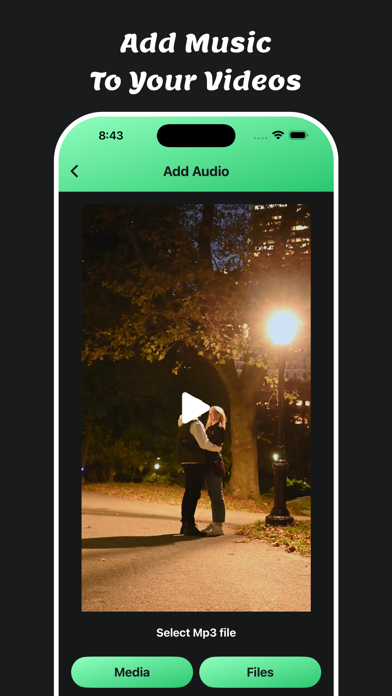
Want to replace audio instead of removing it? Add music to video from your library or record voiceovers to create engaging content.
- Add background music
- Replace video sound
- Music & voice recorder support
Powerful Video Editing Tools
This all-in-one iOS video editor includes advanced tools to enhance your videos:
- Crop video (1:1, 16:9, 9:16 & more)
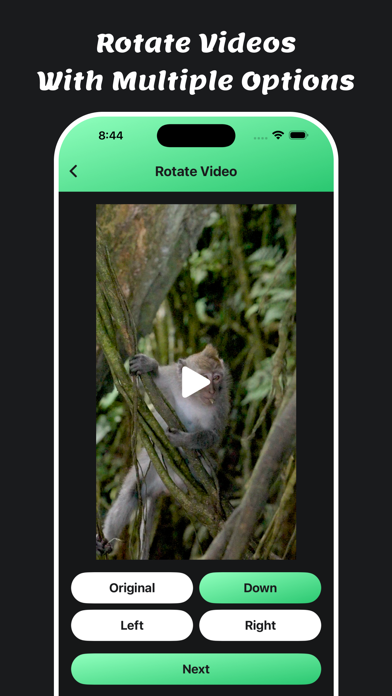
- Rotate & flip video
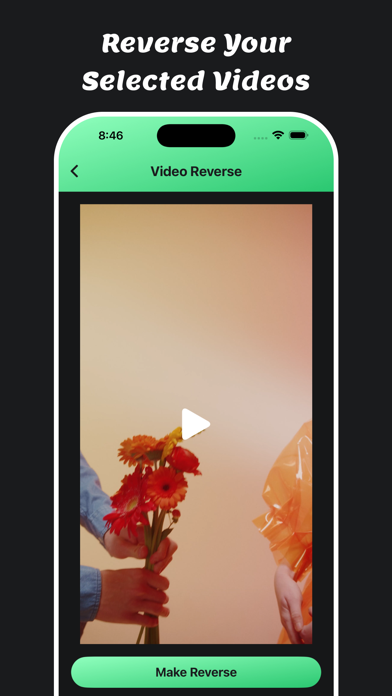
- Reverse video effects
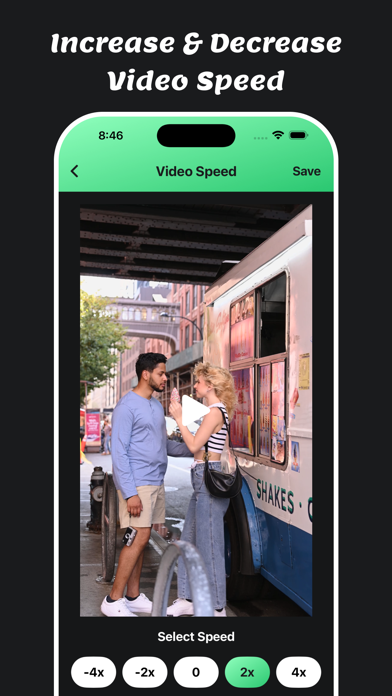
- Change video speed (slow motion & fast motion)
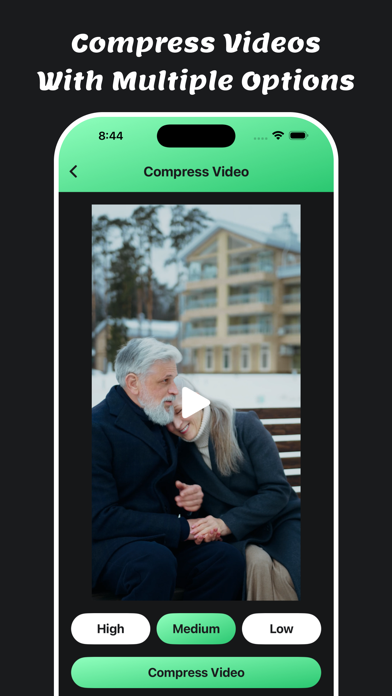
- Compress video without losing quality
- Video thumbnail generator
- Integrated video player
Live Wallpaper Maker & GIF Creator
Turn your favorite moments into creative visuals:
Live Wallpaper Maker
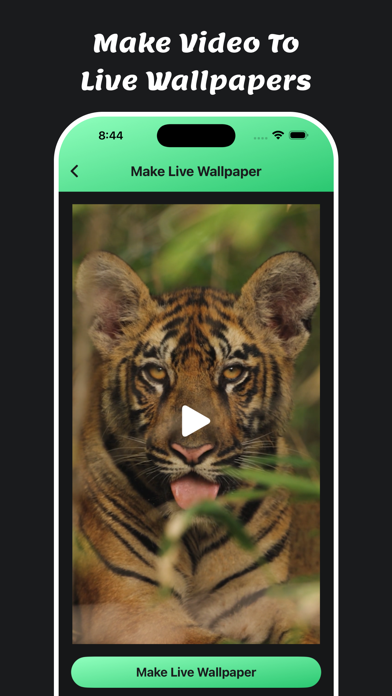
Convert any video into iOS Live Wallpapers for your lock screen or share with friends.
Video to GIF Converter
Create high-quality animated GIFs from video clips — perfect for memes, reactions, and social media.
Why Choose Mute Video : Remove Sounds?
- Best quality output
- Fast processing speed
- No watermark
- Save directly to your phone
- Easy sharing from saved folder
- Built-in camera for instant recording
- Simple, clean & user-friendly UI
All-in-One Video Editor for iPhone
Mute Video : Remove Sounds is perfect for:
mute video, remove audio, trim crop video, add music, make live wallpaper, reverse video, compress HD video, slow fast motion, flip rotate video, create GIFs, live photo, reels editor, short video editor, iOS video converter, video effects app.
All Features :
- video editor for iPhone
- trim mute crop video
- add music
- make live wallpaper
- reverse video
- compress HD video
- slow fast motion video
- flip video
- rotate
- create gif
- live photo
- video effects app
- iOS video converter
- video editor
- reels editor
- short editor
Create silent videos, remove unwanted sound, and edit videos effortlessly with Mute Video : Remove Sounds.
Download now and experience the fastest way to mute video on iPhone!
Privacy Policy: https://softapps.in/App_Privacy.html
Terms of use: https://softapps.in/App_TOS.html