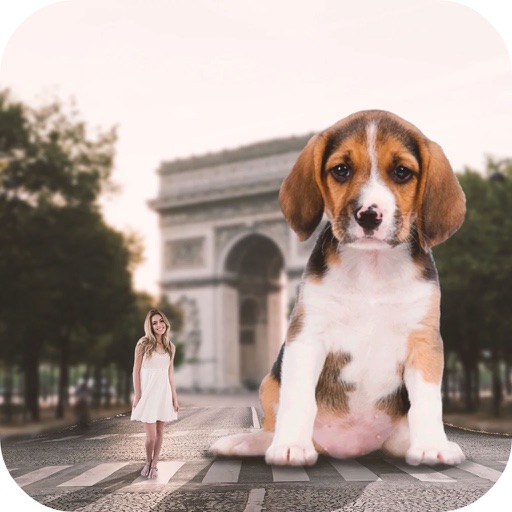
Print images as large posters by dividing them into pages. Each page has a thin border line for cutting and barely visible numbering at the bottom left. Users can deactivate page numbers in settings.
by Vitalij Schaefer★ 4.5374 ratingsPhoto & VideoFreeData updated 2026-09-06
Create graphic designs with AI-powered templates for cards and promotional materials. Customize text, colors, and layouts. Add images and graphics. Export and share designs directly.
The app allows users to print JPEG images from their device or take new photos for printing. Users can select partitioning options for 1, 4, or 10 images per sheet and print up to four copies at once.
Create custom designs for t-shirts and other apparel. Choose from hundreds of images, fonts, and templates. Upload and edit personal graphics. Preview and print designs directly. Adjust colors, text, and layouts. Save and share finished projects.