Customize home screen with , icon sets, and widgets. Add frames, filters, stickers, and text to photos. Crop images and change colors of icons. Choose from various and icon galleries. Set preferred icon sets for quick access.
Customize iPhone and iPad home screens and lock screens with wallpapers, widgets, and icons. Create AI-generated DIY wallpapers and apply theme-based designs. Change icons and layout in one action.
Customize home screen with animated artwork, 3D and depth effect wallpapers, and liquid glass themes. Apply depth effect wallpapers optimized for OS 26. Choose from various depth and glass textures. Set dynamic preferences.
Create poster or template collages with up to 20 photos or videos. Add text to images or videos. Edit photos with filters, cropping, and adjustments. Enhance visuals with artistic text overlays. Export collages in multiple formats.
Create a widget that integrates with the wallpaper. Select and trim images from the Photos . Set trimmed images as wallpaper with perspective effect disabled. Add widgets to the home screen and adjust their position by editing.
Create and edit videos using pre-designed with text, animations, filters, and music. Add effects and customize layouts. Export final videos in various formats.
Create collages with 20000+ layouts and effects. Add stickers and text to photos. Edit images with cropping and filters. Make videos with carousel and slideshow options. Share directly to Instagram.
Create collages and grids from photos and videos. Choose from 100+ templates or design custom layouts. Add frames, adjust elements, and save or share finished projects. Export for print or social media platforms like Instagram and TikTok.
The app allows users to create Hollywood-style trailers and movies with titles, transitions, and music. Users can select albums or groups of videos and images, and the app will create a video with no editing required.
Create posters with one click using pre-designed templates. Select photos from camera roll or albums with intelligent portrait recognition. Customize without restrictions and export final designs.
Create and edit photos and videos with text, stickers, logos, and elements. Add Arabic and English language support. posts, ads, event invitations, and animated stories. Sync with Apple Health.
Edit photos with custom cropping, flipping, and rotating tools. Adjust incline and stretch for precise edits. Apply cinema-grade color grading and one-touch Magic Sky edits. Use poster templates for creative layouts.
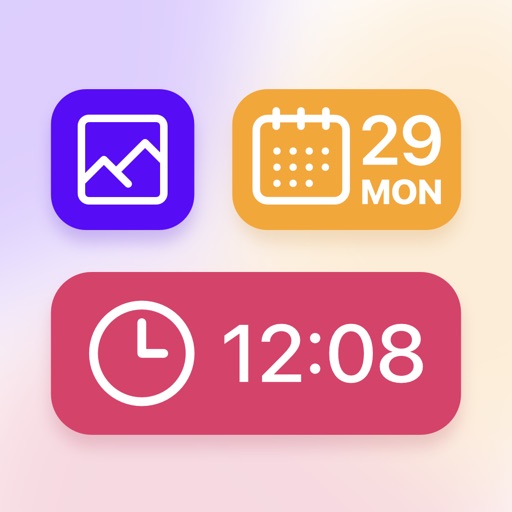
Customize home screen with widgets and themes. Add interactive widgets and StandBy features. Edit widgets and themes. Include virtual pet with care features. Change wallpapers and personalize layout.
View photos, customise messages, and position them
Displays selected photos on the home screen with customizable message placement and sizes. Users can update photos automatically and personalize messages with specific positioning options.
The app offers AI-powered photo and video editing tools. Users can enhance images, remove distractions, and adjust lighting with one-tap features and presets.
Create custom widgets by combining elements, selecting fonts, and adjusting colors. Set transparency for each component. Access weather forecasts and customize appearance settings. Save and share designs for iPhone Home Screen.