Collaborate on shared photo albums, upload and view images in real time. Invite friends to join projects, comment on photos, and download edited versions. Sync across devices and manage access permissions.
by Huy Kieu Thanh★ 1.01 ratingsPhoto & VideoFreeData updated 2026-09-06
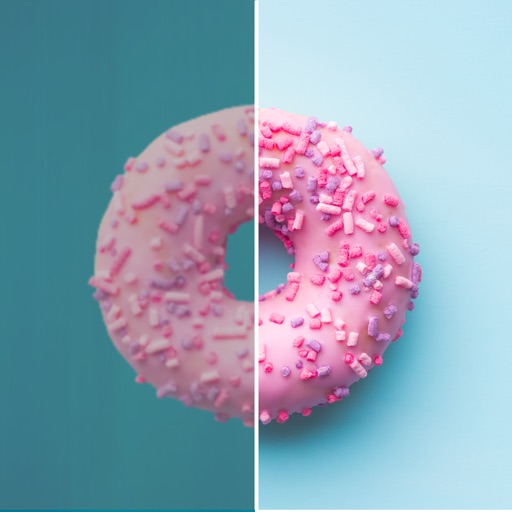
Edit photos with one-touch filters for vivid, delicious results. Adjust brightness, contrast, and saturation. Add text overlays and stickers. Share edited images directly to social media or blogs.
Edit photos by reshaping facial features such as noses, lips, and chins. Adjust parts to simulate weight loss or enhanced muscle definition. Modify any feature with drag, expand, or shrink tools. Save and share edited images directly.
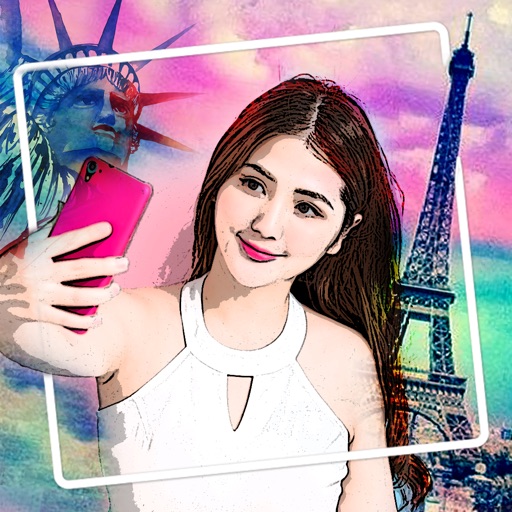
Edit photos with cartoon filters, line art, and color effects. Adjust brightness, contrast, and saturation. Add text, stickers, and borders. Export and share edited images directly.
Join an event via code or QR to access shared photos and videos. View, like, comment, and download content without needing an account. All media from an event is stored in one place for easy access and reminiscing.
Edit photos with skin smoothing, whitening, and acne removal tools. Apply blur and adjust face contours. Access dozens of drip with customizable backgrounds and colors. Share edited images directly.
Edit photos by converting them into -style avatars using AI technology. Adjust facial features and style settings. Save and share edited images in various formats.
Create photo albums and take photos using simple steps. Use photo frames for consistent images. Generate timelapse videos and share them with loved ones. Receive daily reminders to capture new photos.
Edit photos with text layers, borders, matting, rounded corners, 3D bevels, and shadows. Adjust cropping ratios and apply internal and external shadows. Share edited photos directly to social media.
Edit images with AI-powered tools for color correction, object removal, and style transfer. Generate new images using latest AI models. Save and share edited photos directly.
Apply to images. Choose from Niagara Fall, sea surf sunset, and nature scenes. Share edited photos with friends and family. Add special effects to capture memorable moments.
Edit photos with instant AI background removal. Access video tutorials from stylists. Choose from new backgrounds for social media, menus, or delivery. Adjust settings for professional results. Share edited images directly.
Capture photos and videos with Bracketing, Slow Shutter, and Time-lapse modes. Adjust exposure, focus, and white balance manually. Export raw files and share directly. Sync with Apple Health for activity tracking.
Identify and delete photos and similar images. Compare files based on visual similarity. Organize and manage albums. Free up storage space and improve device performance.
Add flower and borders to photos. Edit images with cropping and brightness adjustments. Share edited photos with friends and family. Save and view edited images in the .
Allows users to swap faces in photos, generate artistic versions of images, and create headshots. Users can transform photos into different roles, apply artistic filters, and edit facial features with AI tools.
Stream with unlimited playlist creation and organization. Search for tracks, albums, or artists to listen freely. Share with friends and stream to AirPlay devices. No subscription required.
Create private groups with friends to share weekly 2-minute video updates. Add up to 3 photos to accompany each update. React and comment on friends' videos at your own pace. No public feed or endless scrolling.
Create and share photo reports with team members. Upload images, add captions and tags. Organize reports into folders. Export as PDF or image files. Set access permissions and track view counts.
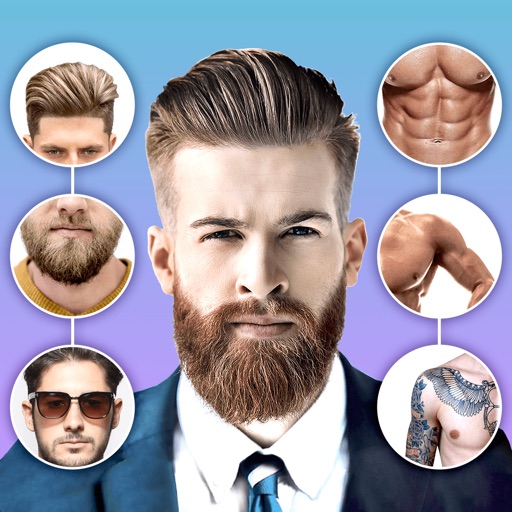
Edit photos with body shape modification tools and hairstyle customization options. Adjust skin tone and facial features. Add filters and effects. Export edited images in various formats and share directly.